SmartgridOne logo
SmartgridOne logo
Quick StartInstallationNetworkWiring & connectivity guidelinesApp
OverviewNew integrations
a-TroniXABB, FIMERADS-TecAforeAlphaESSAmpowrAngileAnklous PV, Hybrid and Battery InvertersAPsystemsAteps BatteryBeauventC-BatteryCellpowerChisageDanfossDeltaDET Power PV, Hybrid and Battery InvertersDEYEDiehl-AkoDMEGC InvertersDynessDysun EnergyEcosourcenEenovanceElecnovaEnbrilionEnergreenEnerlutionEnjoyPowersEnphaseEP EquipmentESY InvertersFortonaFraxFroniusGoodWeGotionGreener / AlfenHiteHithiumHypontechiWellJinkoKacoKehuaKostalMarstekMastervoltMidTeQMotomaOctave EnergyOmniPowerPixiiPower-SonicPoweroadPylontechRefurbRegitecRenonRitarSAJSchneider SunEzySchucoSCUSessySigenergySinexcelSocomecSolarlogSolarMaxSolarwattSolaxSolintegSolplanetSunwaytechSunwodaSus-PowerTeclomanTeploreTesvoltVaconVictronVolstoraWattsNextXantrexZeversolar
Autarco
APIData Manager M
Sunny Boy StorageSunny Island XSunny IslandSunny Tripower Storage
Solis
SpecificationsStatus LEDsControl response timeVideo tutorialsCertificatesLicenseSafety, maintenance and legal notices
DevicesPV hybrid and battery invertersSMABattery
Logo

Supported Devices

Device TypeVariantsModbus TCP (Ethernet)Minimum device firmware version
Sunny Boy StorageSBS 3.7-10✅04.07.31.R
SBS 5.0-10
SBS 6.0-10
SBS 3.8-US-10
SBS 5.0-US-10
SBS 6.0-US-10

Wiring

For correct ethernet wiring: Follow the the guidelines for ethernet wiring.

Configuration

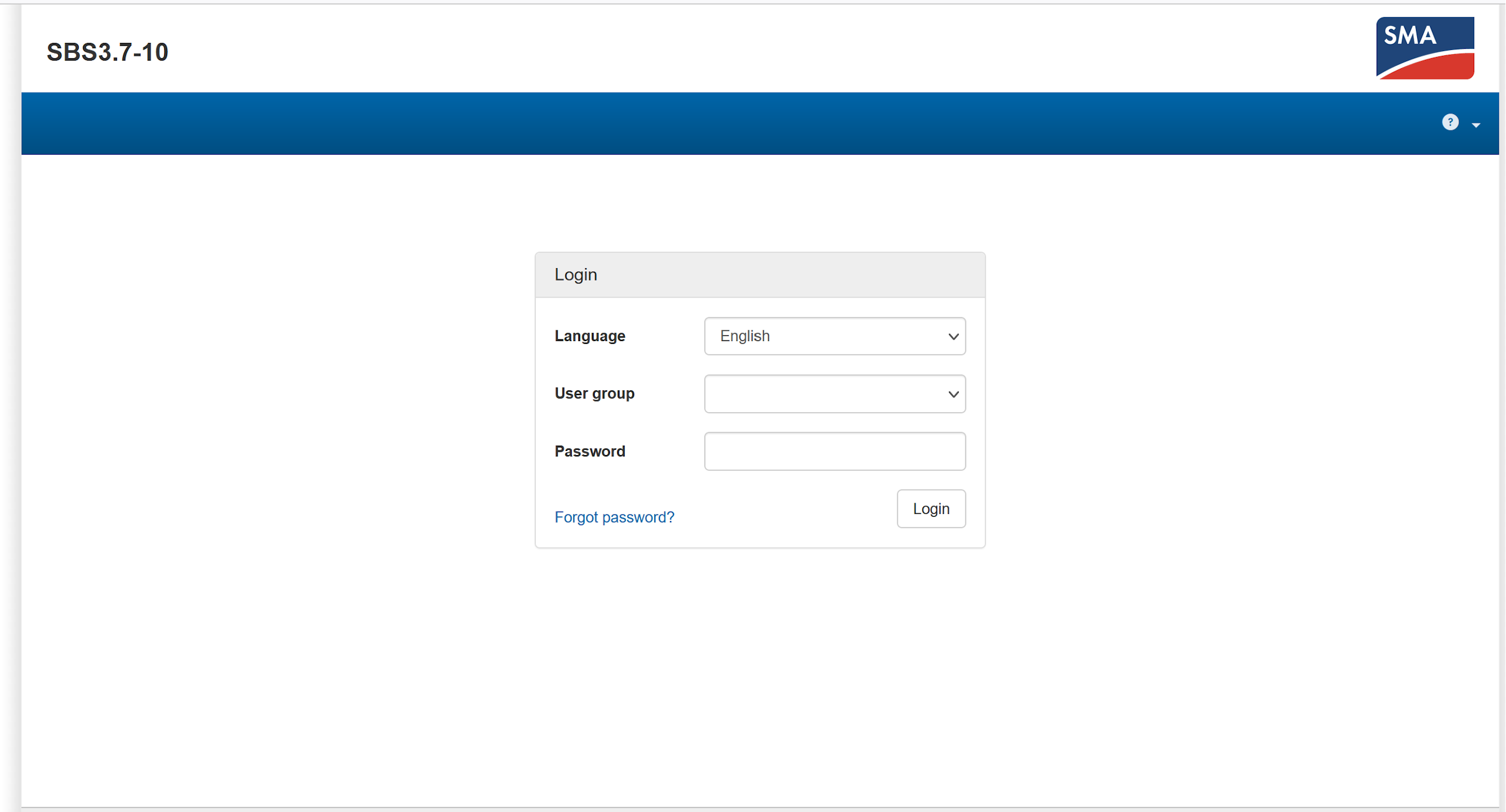
  1. Connect with your computer on the same LAN network as the SMA Sunny Boy Storage.
  2. In your web browser, surf to the IP address of the device.
  3. Log in as "Installer."
Image
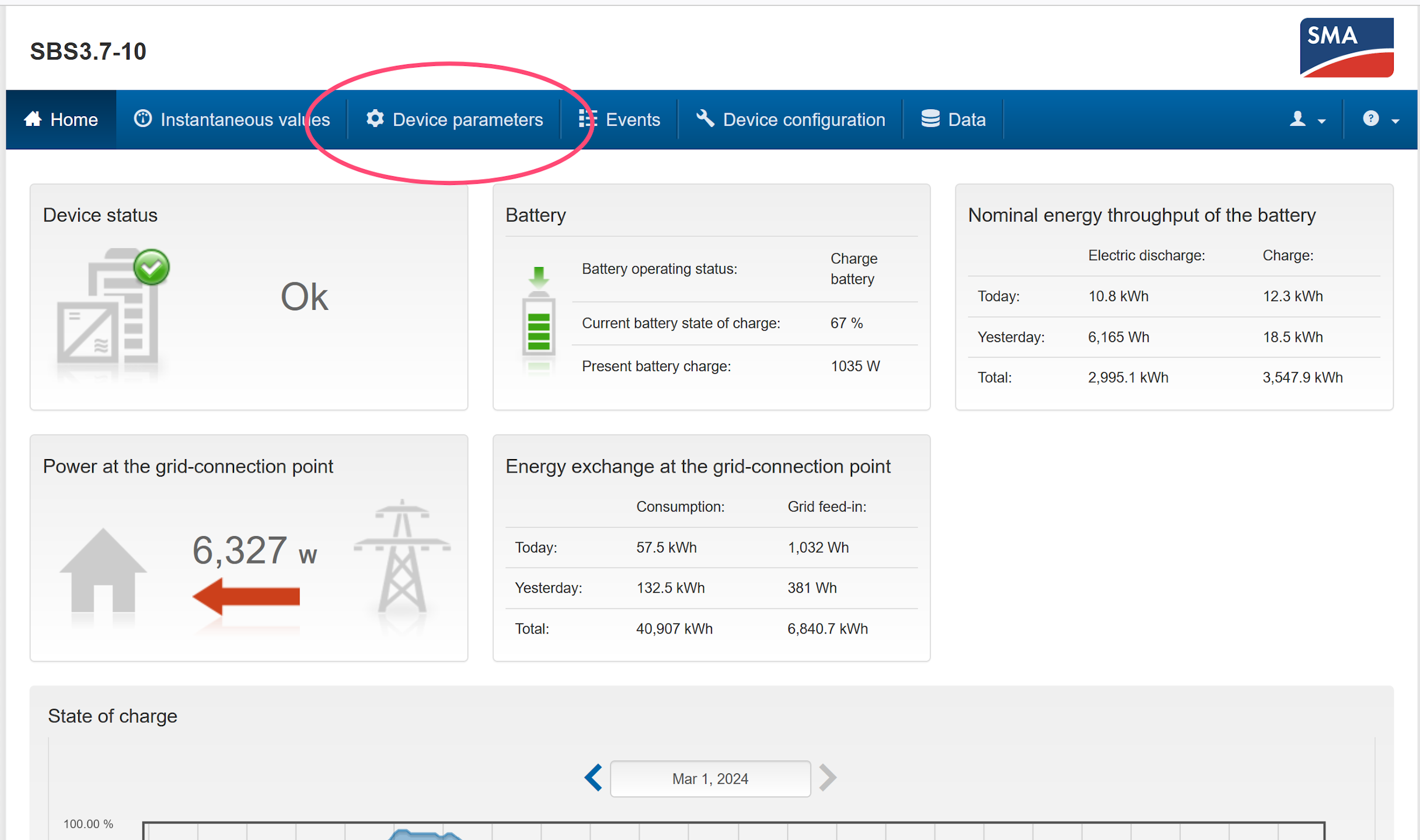
  1. Go to the device parameters tab.
Image
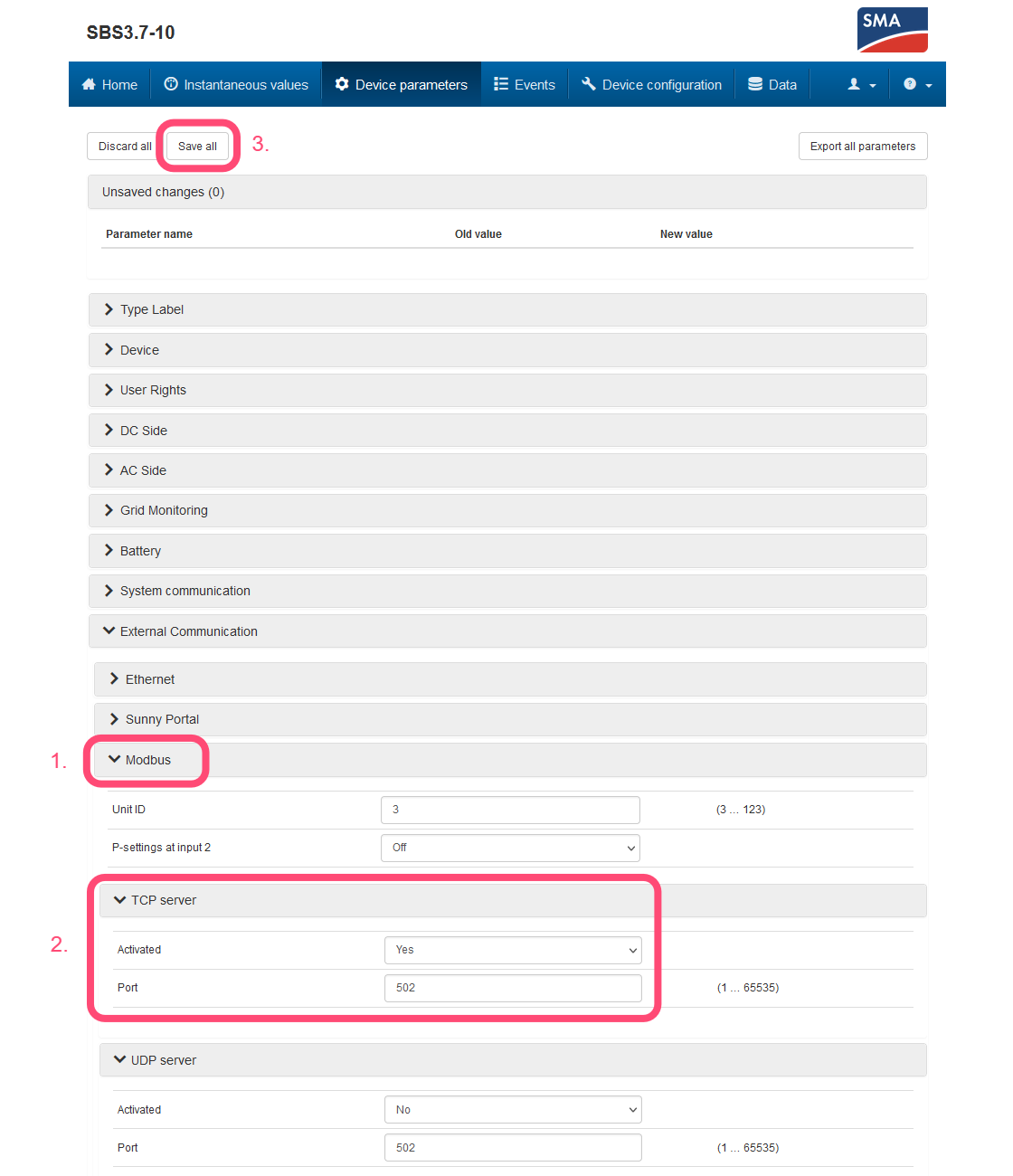
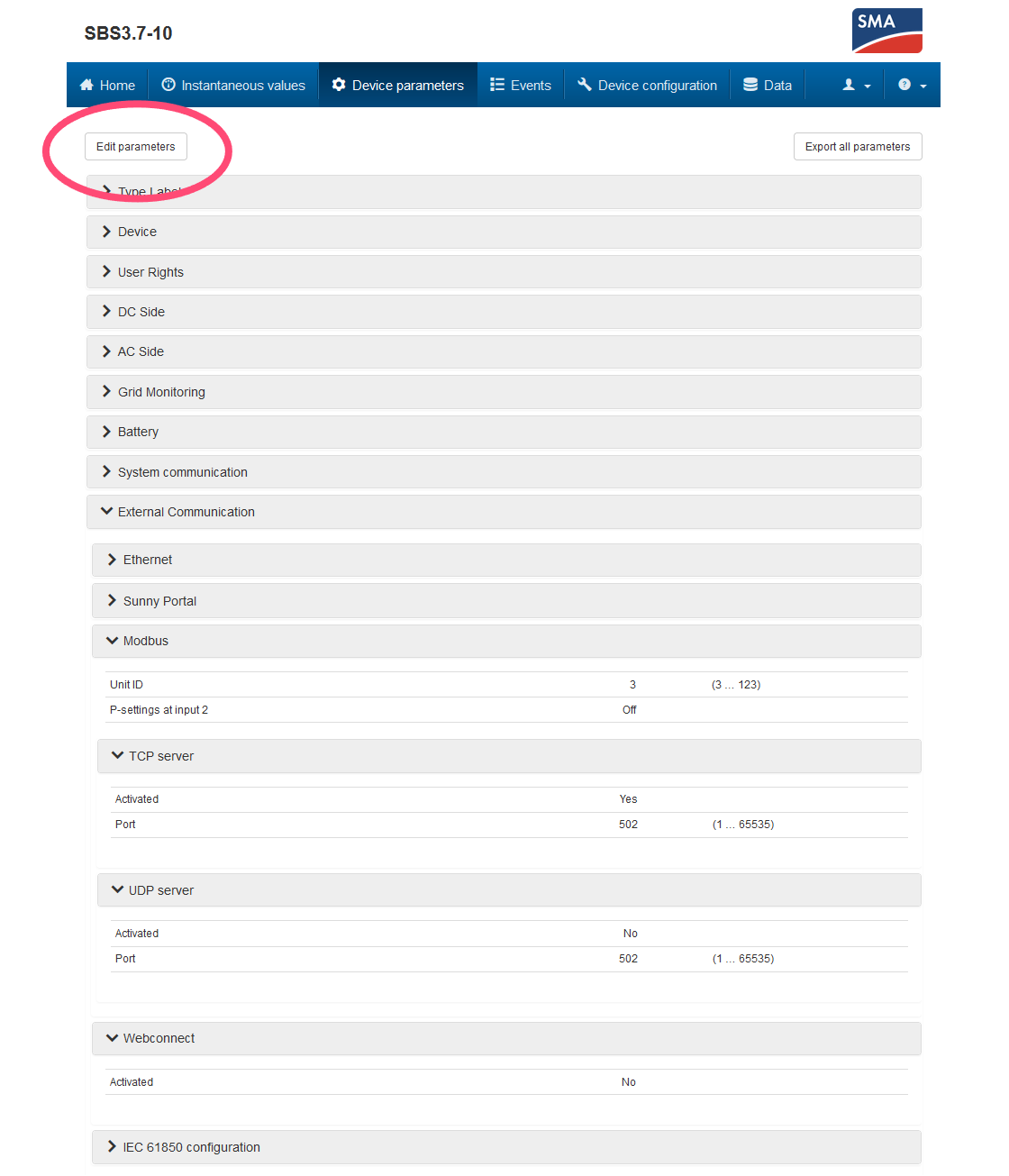
  1. Click "Edit parameters."
  2. Open the "External Communication" dropdown menu → "Modbus" → "TCP server."
  3. Set "Activated" to "Yes" and "Port" to "502".
  4. At the top of the page, click "Save all."
Image
Image

Connection to the Controller

You then need to connect the device to the controller, for that follow this guide : Adding a device.

Data Manager M

Previous Page

Sunny Island X

Next Page

On this page

Supported DevicesWiringConfigurationConnection to the Controller