
ComPact NSX

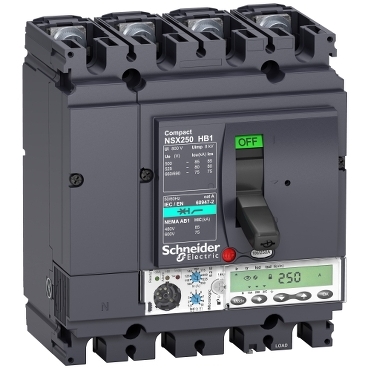
The Schneider ComPact NSX is a circuit breaker that can also measure energy. To communicate with the SmartgridOne Controller, it must be equipped with a MicroLogic 5, 6, or 7 trip unit.
Supported Devices
We support the ComPact NSX range with Electronic Trip Units. Choose the driver that matches your device's Modbus profile.
| Device Type | Modbus TCP (Ethernet) | RS485 |
|---|---|---|
| ComPact NSXe | ✅ | ✅ |
| ComPact NSXs |
Caution
Important: Check your Trip Unit This driver only works if your breaker has a MicroLogic 5.x, 6.x, or 7.x trip unit.
- Look for the LCD screen: These units always have a digital display.
- Incompatible: Basic thermal-magnetic units (TM-D/TM-G) or MicroLogic 2.x/4.x (dials only) cannot measure energy.
Wiring
Caution
You cannot wire directly to the breaker The ComPact NSX does not have built-in RS485 or Ethernet terminals. You must install an external Interface Module (Gateway) on the DIN rail next to the breaker.
Step 1: The "NSX Cord"
Regardless of your communication method, you need the NSX Cord.
- Open the front cover of the breaker.
- Connect the NSX Cord to the test port on the MicroLogic Trip Unit.
- Route the cable out of the breaker to your DIN rail.
Step 2: Choose your Interface Module
Option A: Modbus RTU (RS485)
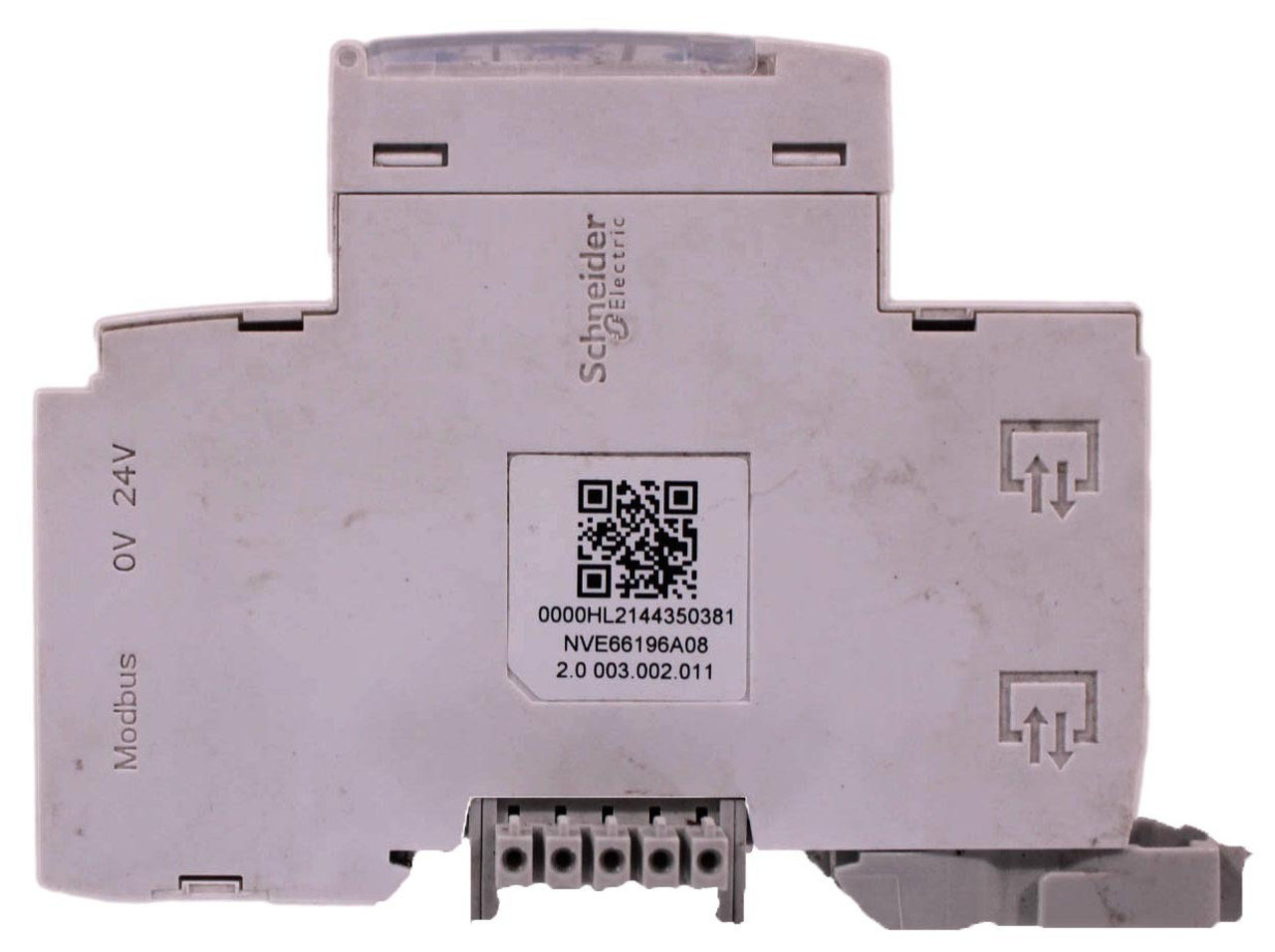
Required Part: EcoStruxure IFM Module (Ref: LV434000)
- Snap the IFM module onto the DIN rail.
- Plug the NSX Cord into the bottom of the IFM module.
- Wire the Top Connector (green) to the SmartgridOne Controller RS485 bus:
RS485 Wiring
- For correct RS485 wiring: Follow the guidelines for RS485 wiring.
- If the wiring shown in the table below is incorrect, please let us know.
- There is no general consensus in the industry about the usage of A and B for the RS485 polarity, so it may be counterintuitive and opposite of what you might expect for some devices.
| Device | SmartgridOne Controller model OM1 | SmartgridOne Controller model IG8 | RS485-USB converter | RS485-Ethernet converter |
|---|---|---|---|---|
| D1 (+) | RS485 A | RS485_POS | RS485 A | TX+ |
| D0 (-) | RS485 B | RS485_NEG | RS485 B | TX- |
| 0V | RS GND | GND | Not available | G |
Option B: Ethernet (Modbus TCP)
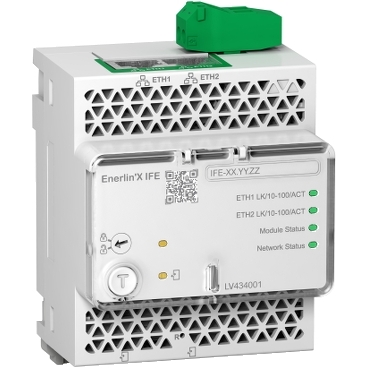
Required Part: EcoStruxure IFE Module (Ref: LV434001)
- Snap the IFE module onto the DIN rail.
- Plug the NSX Cord into the bottom of the IFE module.
- Connect a standard Ethernet cable (LAN) from the top RJ45 port to your network switch/router.
Configuration
1. Check the Trip Unit
Ensure the trip unit is powered (the Ready LED should be blinking green).
2. Configure Modbus RTU (IFM Module)
If you are using the IFM (RS485) module, use the rotary dials on the front to set the address.
- Set the Address: Turn the two blue dials to match your desired ID.
- x10 = The first digit (tens).
- x1 = The second digit (ones).
- Example: For Address 15, set x10 to 1 and x1 to 5.
- Lock It: Slide the small switch down to the Padlock icon. This saves the address.
- Communication Speed: You do not need to set the Baud Rate. The module detects it automatically. Just ensure your controller is set to 19200 / Even / 1 Stop Bit.
3. Configure Modbus TCP (IFE Module)
If using the IFE (Ethernet) module, you must configure it via a web browser:
- Connect your PC to the same network as the IFE.
- Find the IP address of the IFE (often DHCP by default, check your router's client list).
- Log in to the web interface.
- Navigate to Settings > Modbus TCP/IP.
- Set a Static IP (Recommended).
- Ensure the Port is 502.
| Parameter | Value |
|---|---|
| IP Address | Select a free IP (e.g. 192.168.1.50) |
| Subnet Mask | 255.255.255.0 |
| Gateway | Your Router's IP (e.g. 192.168.1.1) |
| Port | 502 |