SmartgridOne logo
SmartgridOne logo
Accessories
AppCertificates
Configuration from A to Z
Control response timeController
Customer Specific
Devices
Boiler
Cloud
Energy Meter
ABBAccuenergyAcrelAlgodueAnexoBMR
Carlo Gavazzi
ChargeeChintCloud Meter DataDornscheidt
Eastron
Eniris
FluviusFroniusHagerHomeWizardHuaweiIneproIskra
Janitza
JoulzKaifaKamstrupLandis+GyrLegrandLitiotM-BusMetcomP1ApiPhoenix-ContactPilotSagemcom
Schneider
Self configured energy meterSeneca S604SessyShelly Energy metersSiemensSmappeeSmartgrid-readySocomecSolax
Solis
SunwodaTillquistVictronWeidmüllerWhatWattYouLessZendure P1 MeterZiv
Ev Charging Station
Gas Meter
Heat Pump
New integrations
Plc
Pv Hybrid And Battery Inverters
Switched Loads
Water Meter
External Signals
InstallationLicenseNetworkQuick StartSafety, maintenance and legal noticesSpecificationsStatus LEDs
Toolbox
Troubleshooting
Video tutorialsWiring & connectivity guidelines
DevicesEnergy Meter
WhatWatt

Supported Devices

Device TypeModbus TCP (Ethernet)RS485
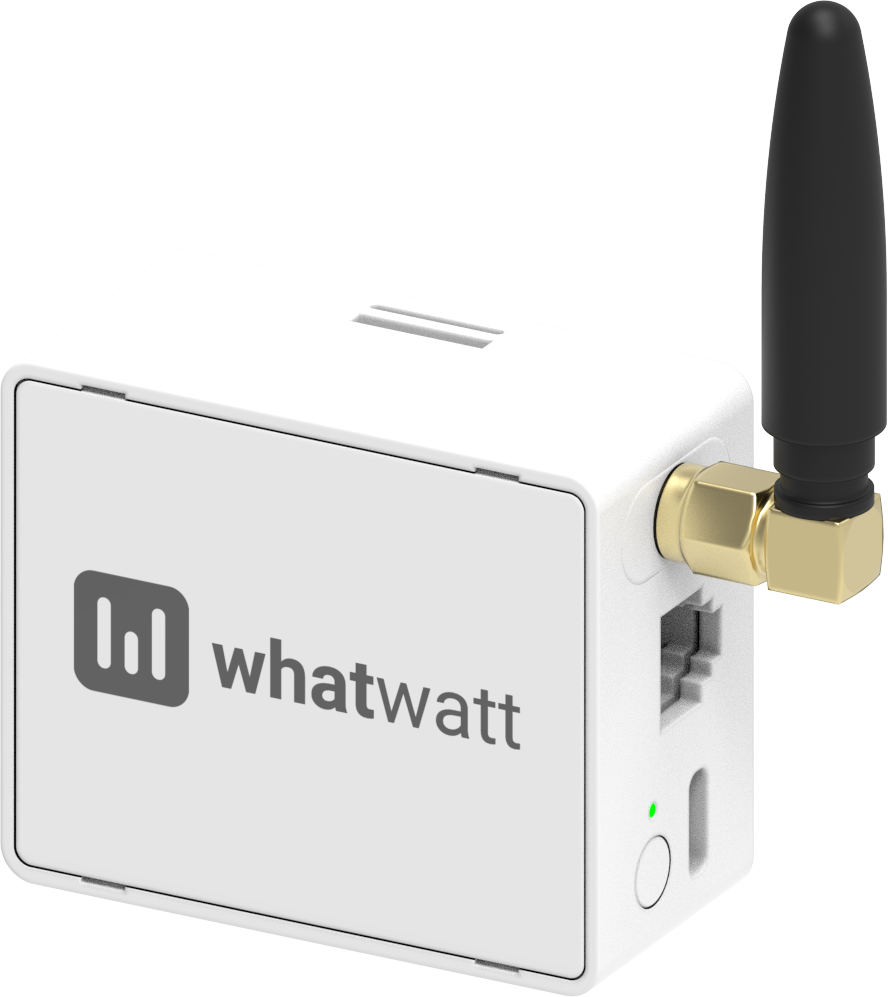
WhatWatt GO Energy Meter✅❌
WhatWatt GO Energy Meter

Configuration

Installation Requirements

  • Must purchase a whatwatt Plus license to enable Modbus TCP support.
  • The Energy Meter must be connected to the P1 port of your digital utility meter and be joined to the same local network as the Controller.

Modbus TCP

  1. Visit the device's web interface at http://<DEVICE_IP_ADDRESS>/ and enter your license key.
  2. Navigate to the Integrations page and enable Modbus. Keep the port as 502.
  3. Click the check mark in the top right to save the settings.

Weidmüller

Weidmüller Energy Meters

YouLess

YouLess Energy Meters

On this page

Supported DevicesConfigurationInstallation RequirementsModbus TCP