
Reboot and automatic reboot
Rebooting the SmartgridOne Controller
Go to the 'Settings' tab of the commissioning interface, scroll to "Reboot" and click "Reboot". The SmartgridOne Controller restarts; this takes a few minutes. The page shows the progress and returns to the login page when the SmartgridOne Controller is back.
Note
During the reboot, the devices are not read out and nothing is controlled. The devices fall back to their own behaviour. A reboot never changes the settings; use the backup and the factory reset for that.
Automatic reboot period
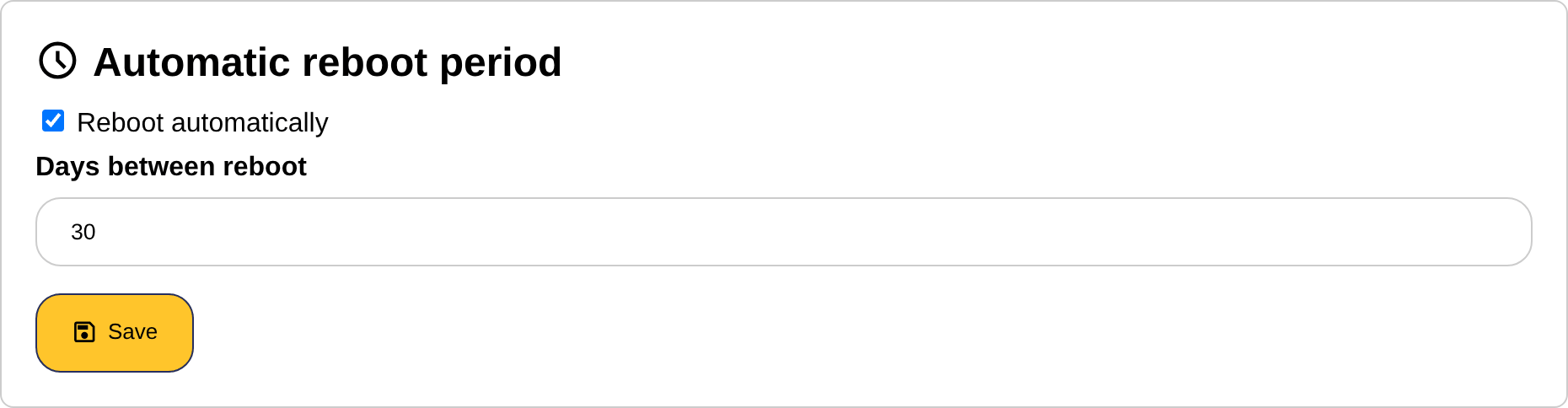
The SmartgridOne Controller can reboot itself periodically. This is not needed in a normal installation, but it can be a workaround for a device or a converter that stops answering after a number of days, or for a mobile network connection that hangs.
- In the section "Automatic reboot period", tick "Reboot automatically".
- Enter the number of days between two reboots.
- Click "Save".
Tip
Rather solve the cause of the hanging device or connection: every reboot interrupts the control of the site for a few minutes.