
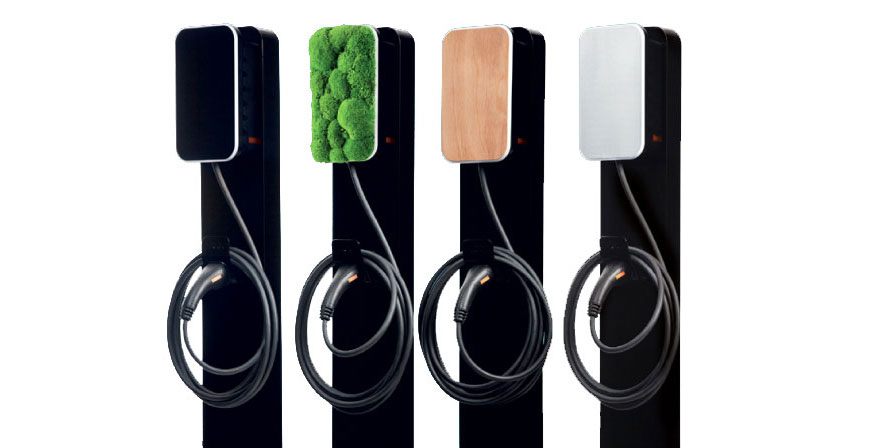
Vool EV Charger

Supported Devices
| Device Type | Modbus TCP (Ethernet) |
|---|---|
| Vool EV Charger | ✅ |
Configuration
- Connect your computer to the same LAN network as the Vool charger.
- Access the charger's configuration interface and enable parameter 522 – Enable Modbus TCP/UDP interface. By default, Modbus is disabled on the charger.
- Ensure the charger is reachable on port 502 (TCP).
Warning
Warning
Please note:
- Modbus and OCPP cannot be used simultaneously. The charger uses one common interface at a time — hybrid connections (e.g. Modbus on Wi-Fi and OCPP on Ethernet) are not supported.
- The Modbus interface does not include any security. Only use Modbus in local, secure networks.
- The charger supports a maximum of 3 simultaneous Modbus connections. Additional connection attempts will be rejected.
Last updated February 23, 2026Edit this page