SmartgridOne logo
SmartgridOne logo
Quick StartInstallationNetworkWiring & connectivity guidelinesApp
OverviewNew integrations
a-TroniXABBAlfenAlpitronicAutelBlitz-PowerEaseeEnovatesEtrelFLEXeCHARGEGo-eHuawei SChargerIlumenKempowerAmtronMyEnergi EV Charging StationsOCPPPeblar EV Charging StationsRaedianSchneider ElectricSiemensSMASofarTeltonika EV Charging StationsVolt-TimeWallbox EV Charging StationsZaptec
SpecificationsStatus LEDsControl response timeVideo tutorialsCertificatesLicenseSafety, maintenance and legal notices
DevicesEV charging station

Go-e EV charger

Go-e

Supported Devices

Device TypeModbus TCP (Ethernet)RS485
Go-e EV charger✅❌

Configuration

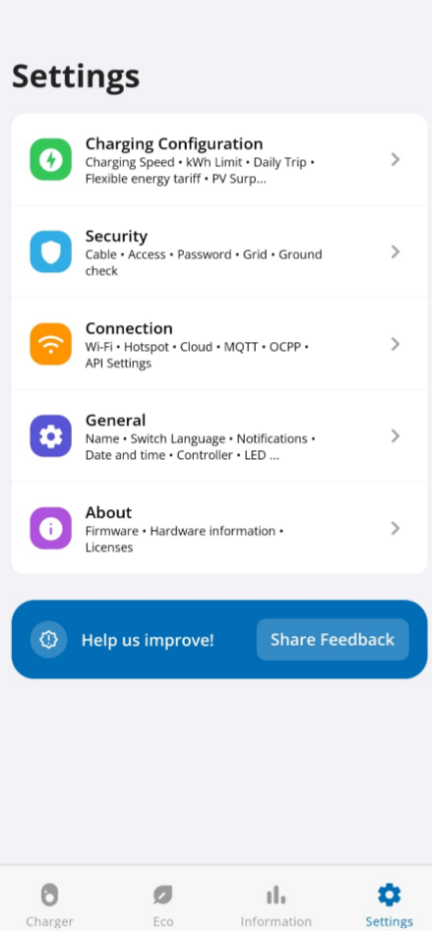
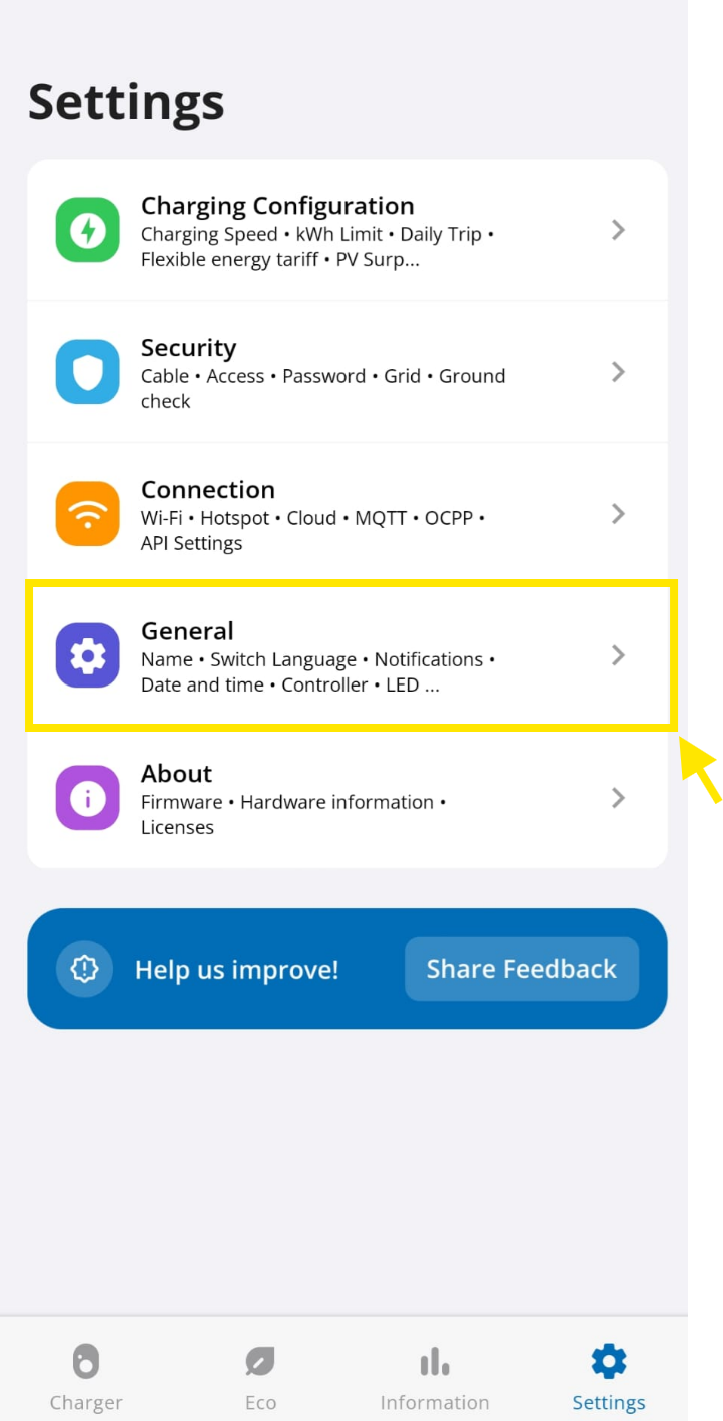
  1. In the go-e application, go to your device, then "Settings".

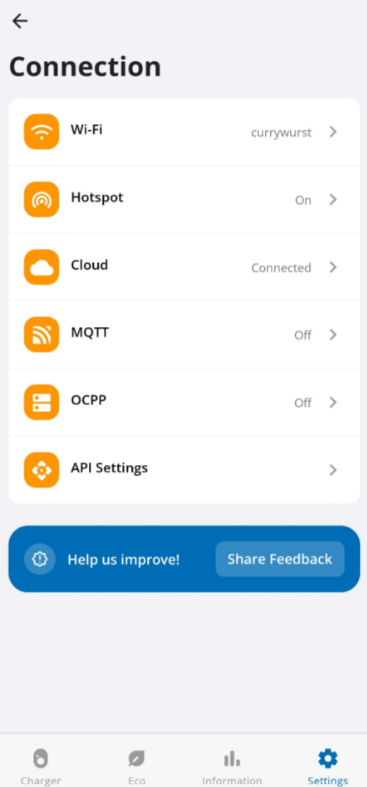
  2. Go in the "Connection" tab.

Image 1
  1. Go in the "API Settings" tab.
Image 1
  1. Be sure that the "Allow local Modbus TCP API" and "Swap Registers" option are enabled.
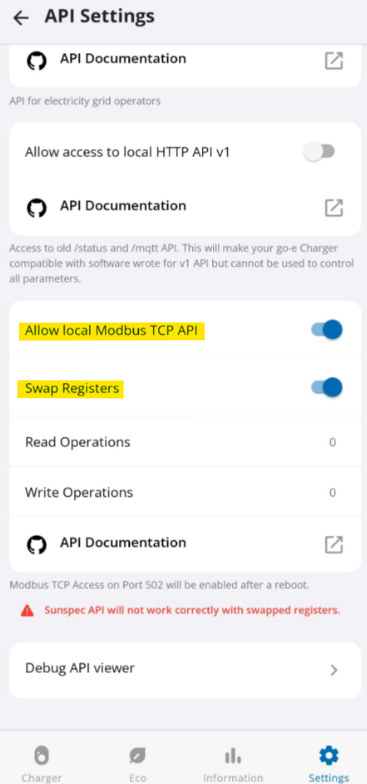
Image 1
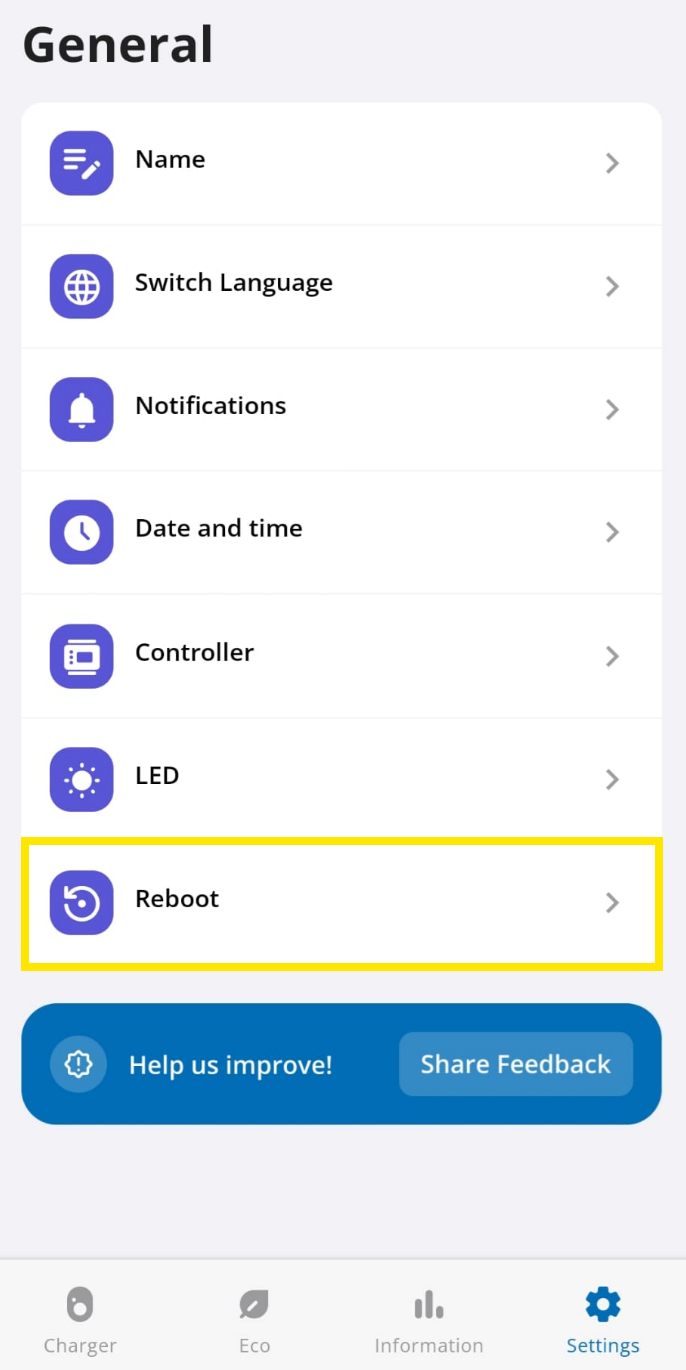
  1. Then reboot your go-e.
Image 1
Image 1

FLEXeCHARGE

Previous Page

Huawei SCharger

Next Page

On this page

Go-e EV chargerSupported DevicesConfiguration