
EVChargeKing charging stations
Supported Devices
| Device Type | Modbus TCP (Ethernet) |
|---|---|
| ETAPpro | ✅ |
ETAP Pro Configuration
- Download the E-Tap mobile app and create an account.
- Scan the QR code on the E-Tap Pro device or card it comes with to add it in the app
- During the setup, connect the EVChargeKing charging station to a network with the following requirements:
- The charging station is in the same local network as the SmartgridOne Controller.
- Make sure the communication between the charging station and the SmartgridOne Controller is open.
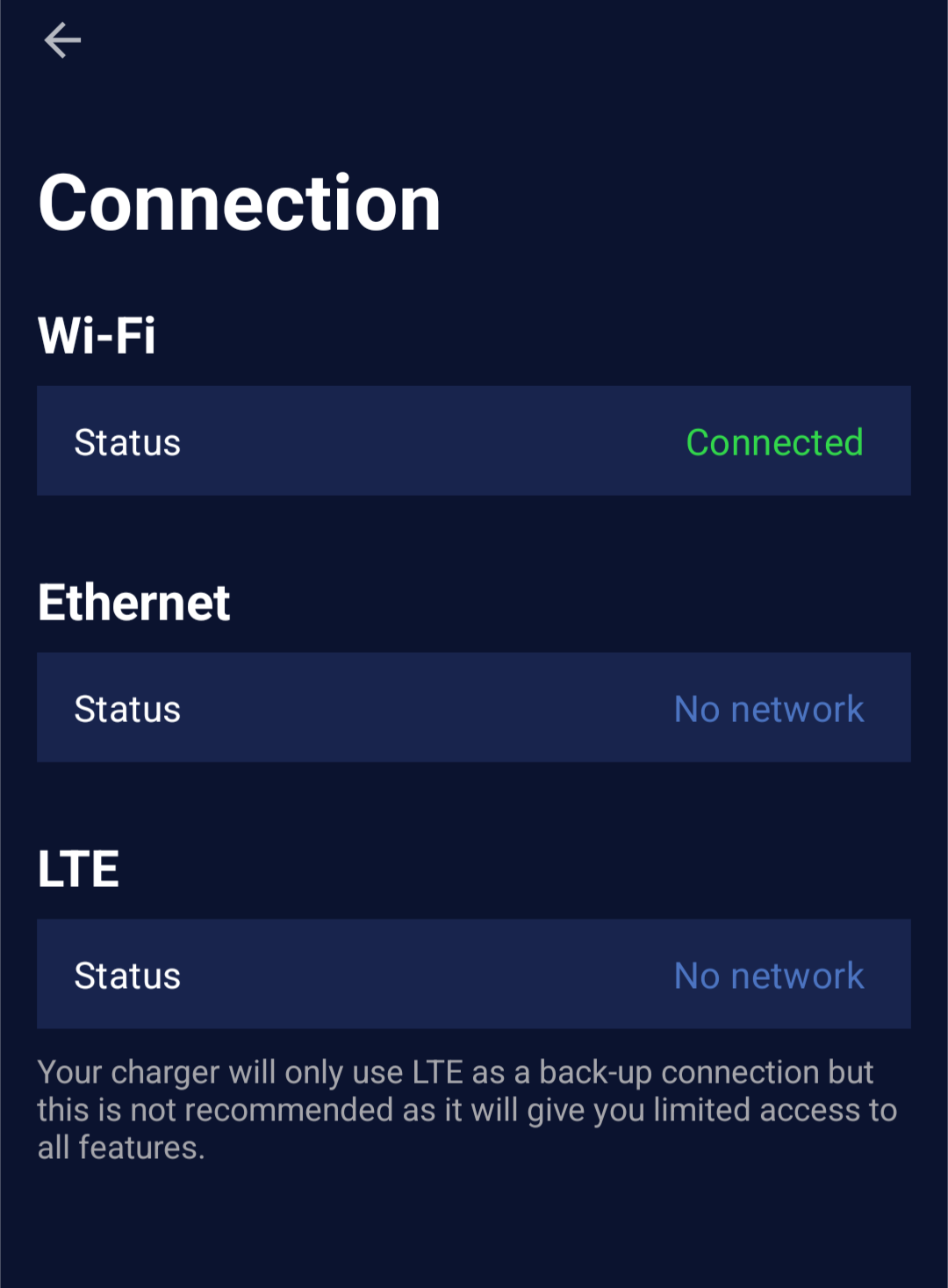
- Check that the device is connected to the internet in settings -> chargers -> select the charger -> Connection status. Either Wifi or Ethernet should be connected.
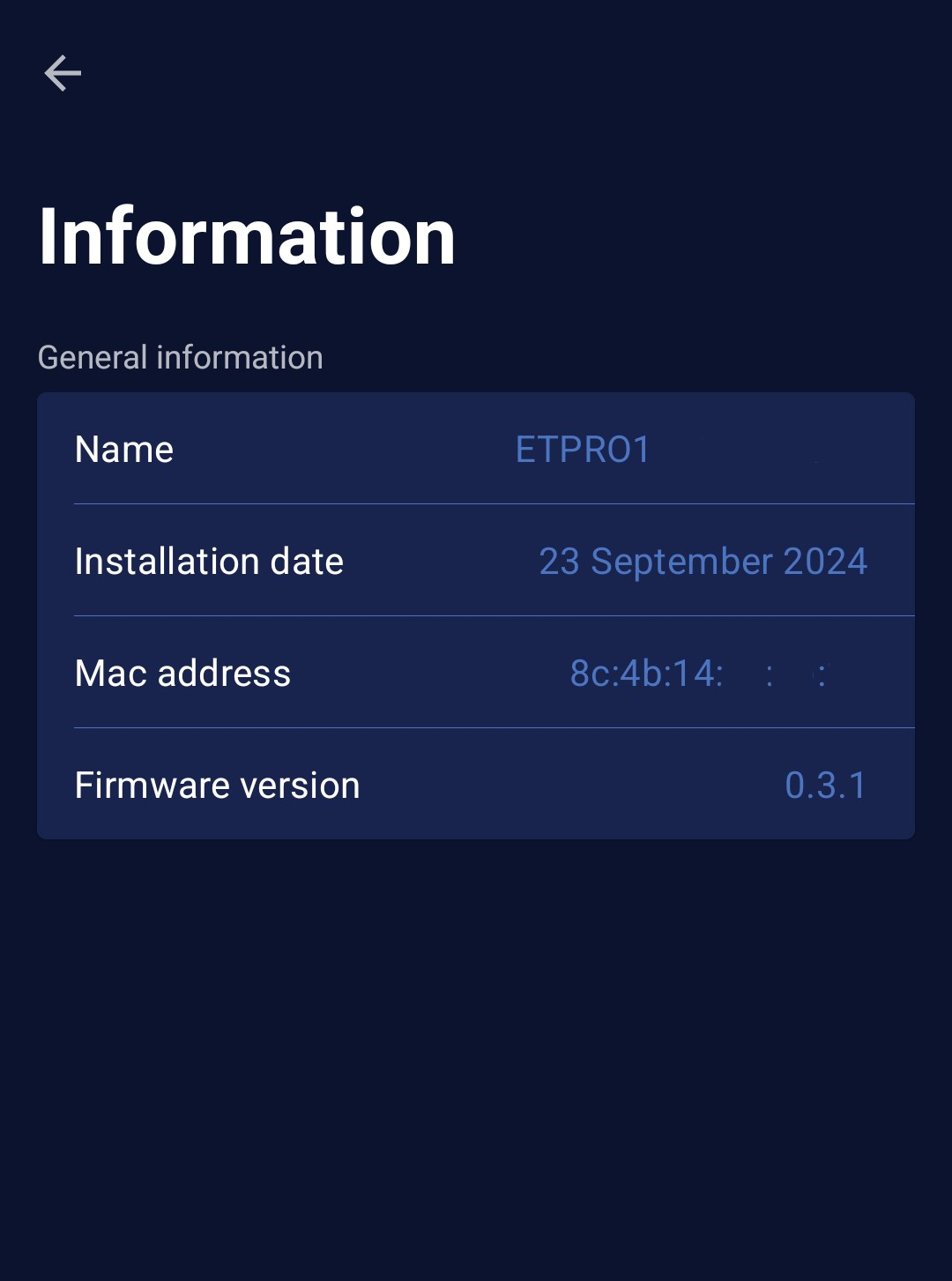
- Find the mac address of the device in settings -> chargers -> select the charger -> Information. This will be needed to add the device in the SmartgridOne Controller.
- The device should now be ready to be added in the SmartgridOne Controller.
Last updated April 27, 2026Edit this page