

Supported Devices
| Device Type | Modbus TCP (Ethernet) | RS485 | Curtailment |
|---|---|---|---|
| MIC 600TL-X | ❌ | ✅ | |
| MIC 750TL-X | ✅ | ||
| MIC 1000TL-X | |||
| MIC 1500TL-X | |||
| MIC 2000TL-X | |||
| MIC 2500TL-X | |||
| MIC 3000TL-X | |||
| MIC 3300TL-X |
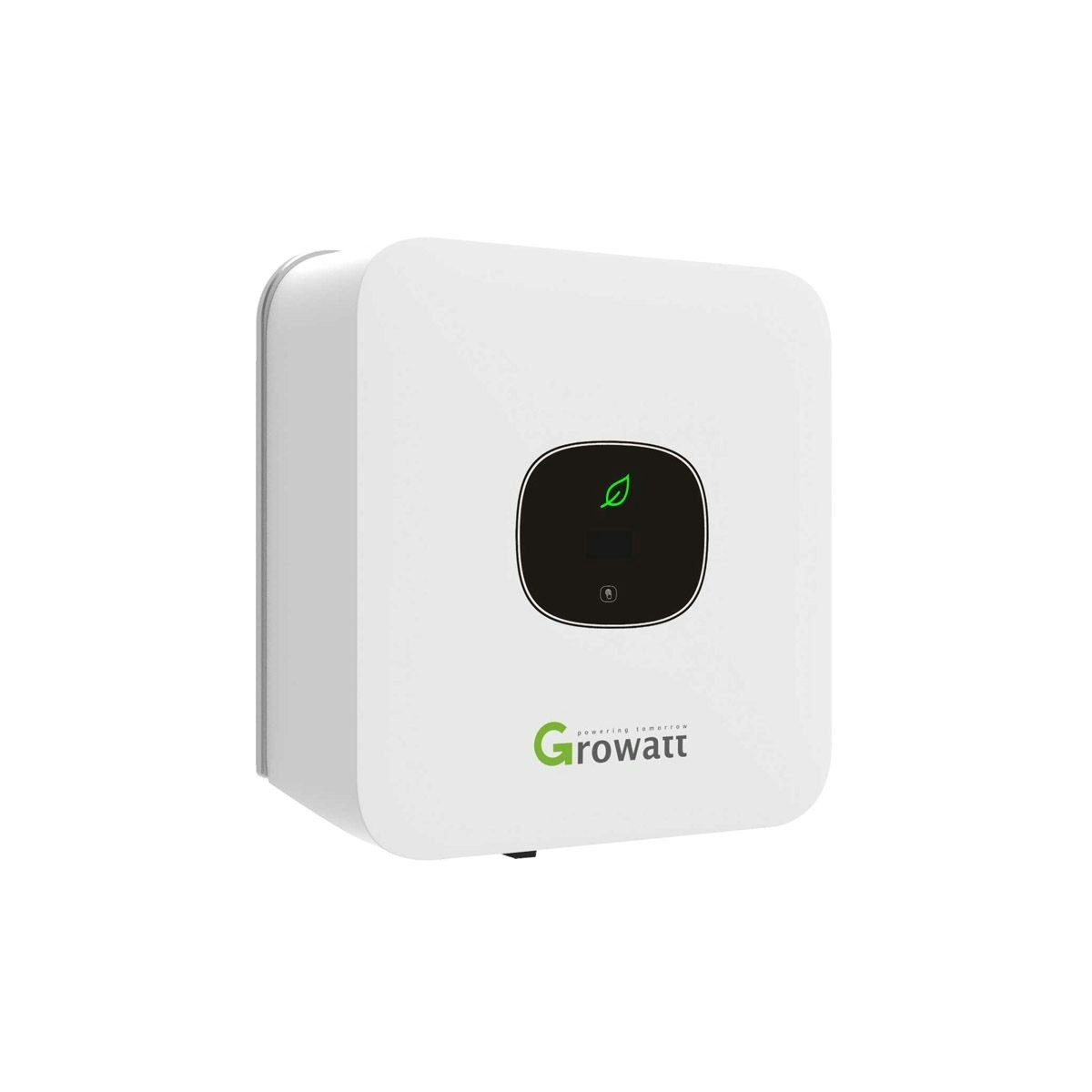
Wiring
RS485
Info
RS485 Wiring
- For correct RS485 wiring: Follow the guidelines for RS485 wiring.
- If the wiring shown in the table below is incorrect, please let us know.
- There is no general consensus in the industry about the usage of A and B for the RS485 polarity, so it may be counterintuitive and opposite of what you might expect for some devices.
| Device | SmartgridOne Controller model OM1 | SmartgridOne Controller model IG8 | RS485-USB converter | RS485-Ethernet converter |
|---|---|---|---|---|
| RS485 A1 | RS485 A | RS485_POS | RS485 A | TX+ |
| RS485 B1 | RS485 B | RS485_NEG | RS485 B | TX- |
| N/A | RS GND | GND | Not available | G |
Configuration
Warning
NOTE: RS485 Device Addresses
- You MUST give each device on the RS485 bus a unique address. Check the manual of the device on how to do this.
- Use lower addresses first (1, 2, ...) because the SmartgridOne Controller will find them faster!
- For each device, it is generally recommended to stick with the factory default baud rate, parity, and stop bits. The SmartgridOne Controller will scan on those first.
By default, the inverter is set to address 1. This can be changed via the settings menu of the inverter. This is only necessary if several devices are connected to the RS485 communication bus.
You can change the address of the inverter via the touch control. It works as follows:
| Touch control | Impact |
|---|---|
| Touch once | Change display or number + 1 |
| Touch twice | Enter or confirm |
| Touching three times | Previous menu |
| Keep touched for 5 seconds |
|
Change the address by going to the "Set Comaddr" menu as shown in the image to the left or above. Set the address to a unique value. See Chapter 7 of the inverter manual for more information.
Last updated December 10, 2025Edit this page