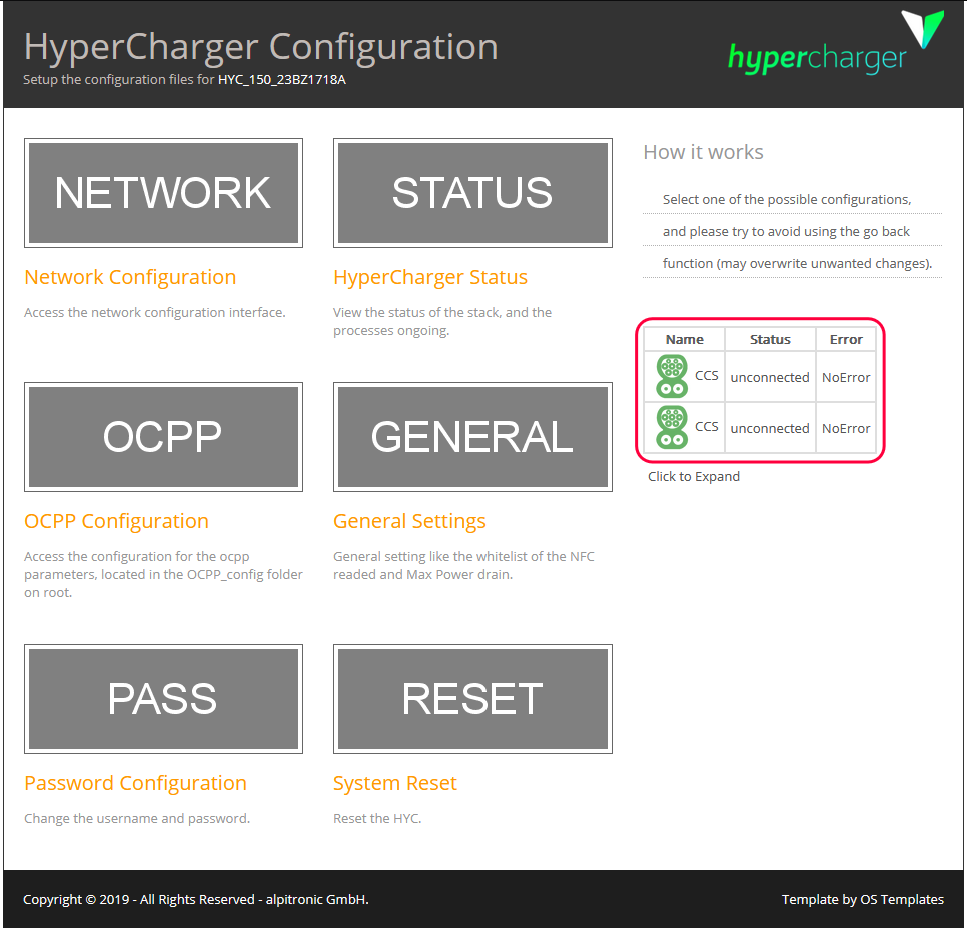
Alpitronic charging stations

Supported Devices
| Device Type | Variants | Modbus TCP (Ethernet) | RS485 |
|---|---|---|---|
| Alpitronic HYC | HYC50, HYC150, HYC300, HYC400 | ✅ | ❌ |
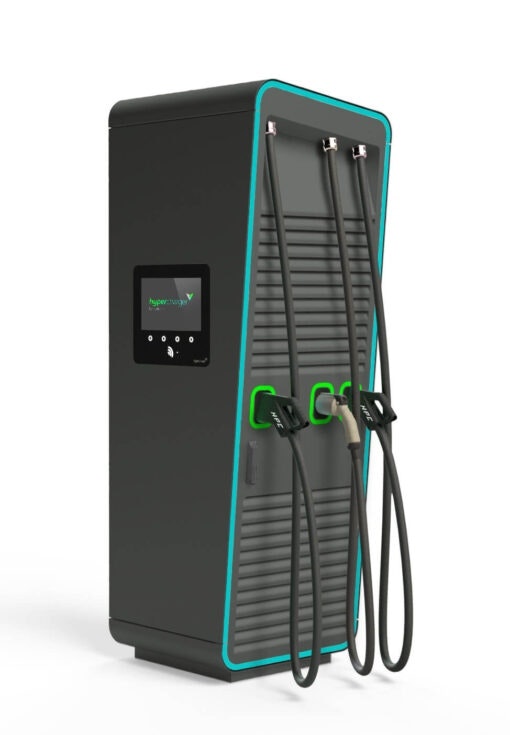
Configuration
External control of the charging station must be activated in the configuration menu via the web page of the charging station. To do this:
- Surf to the IP address and log in with the default data or your own set of data (default user = admin, default password = admin123).
- In the settings of the charging station:
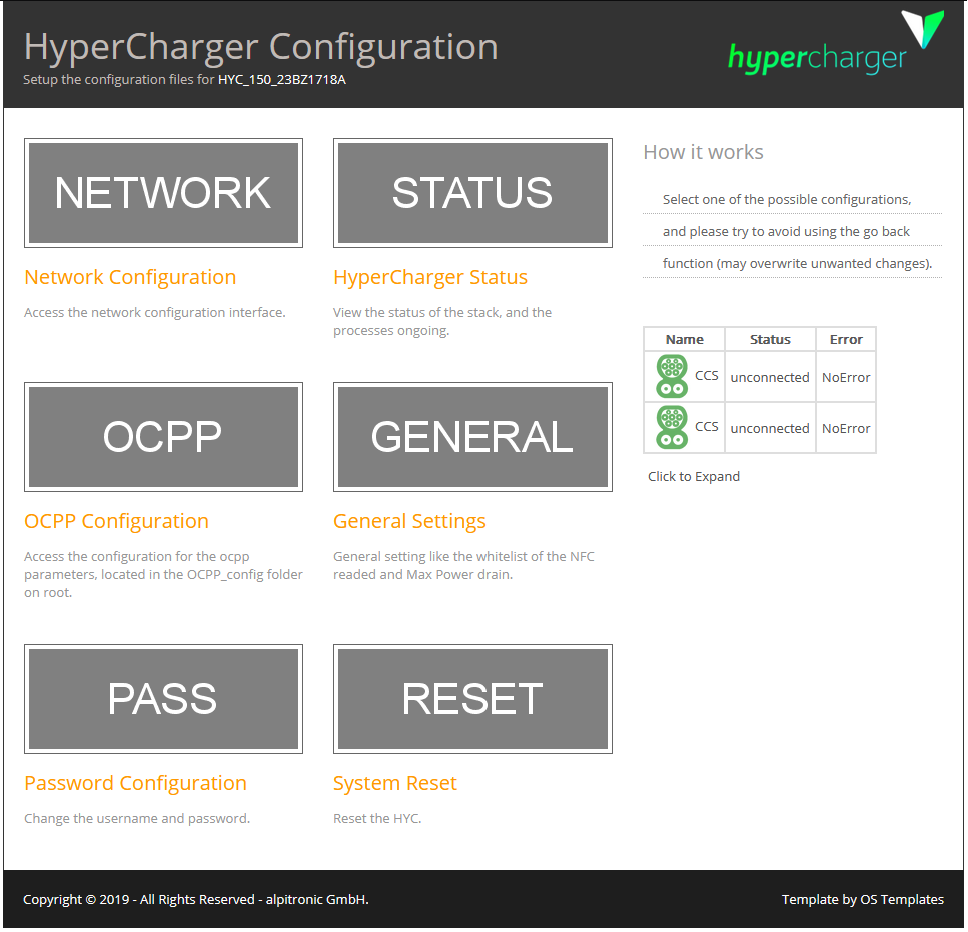
- Go to "General"
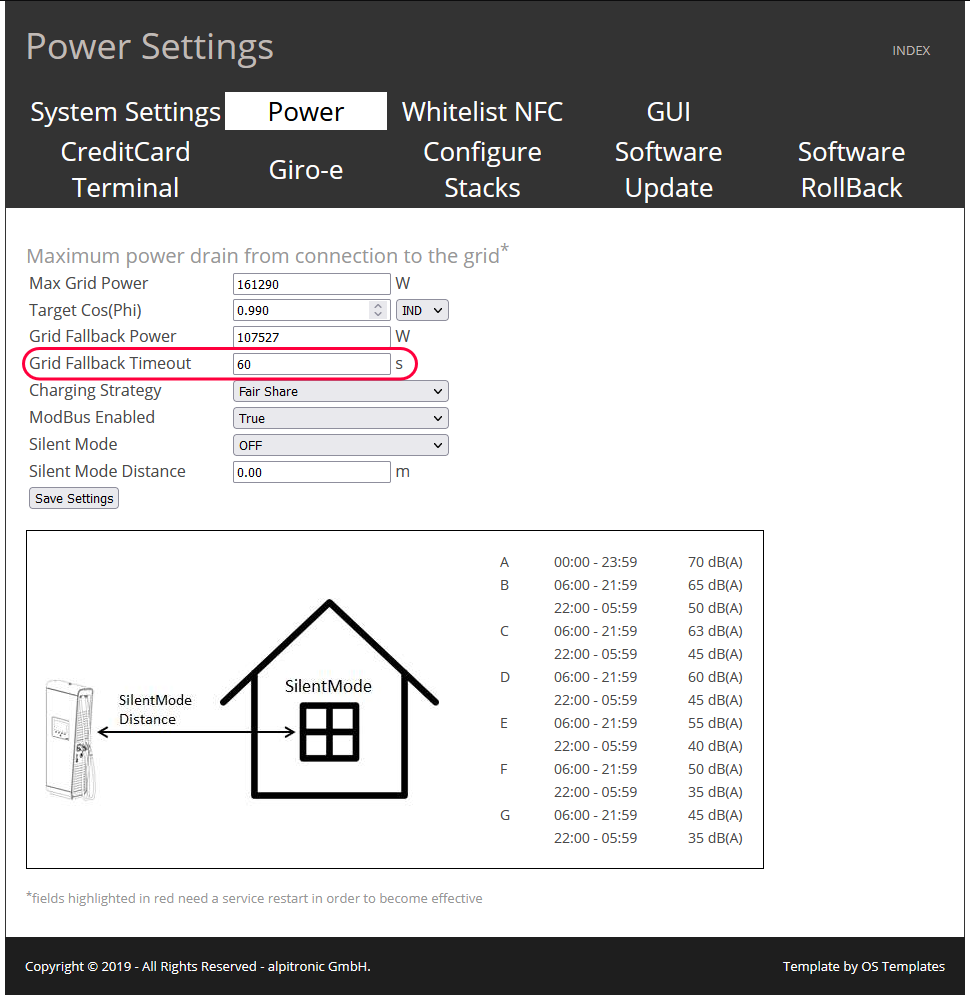
- Go to "Power"
- Set "ModBus Enabled" to "True"
- Click on "Save Settings"
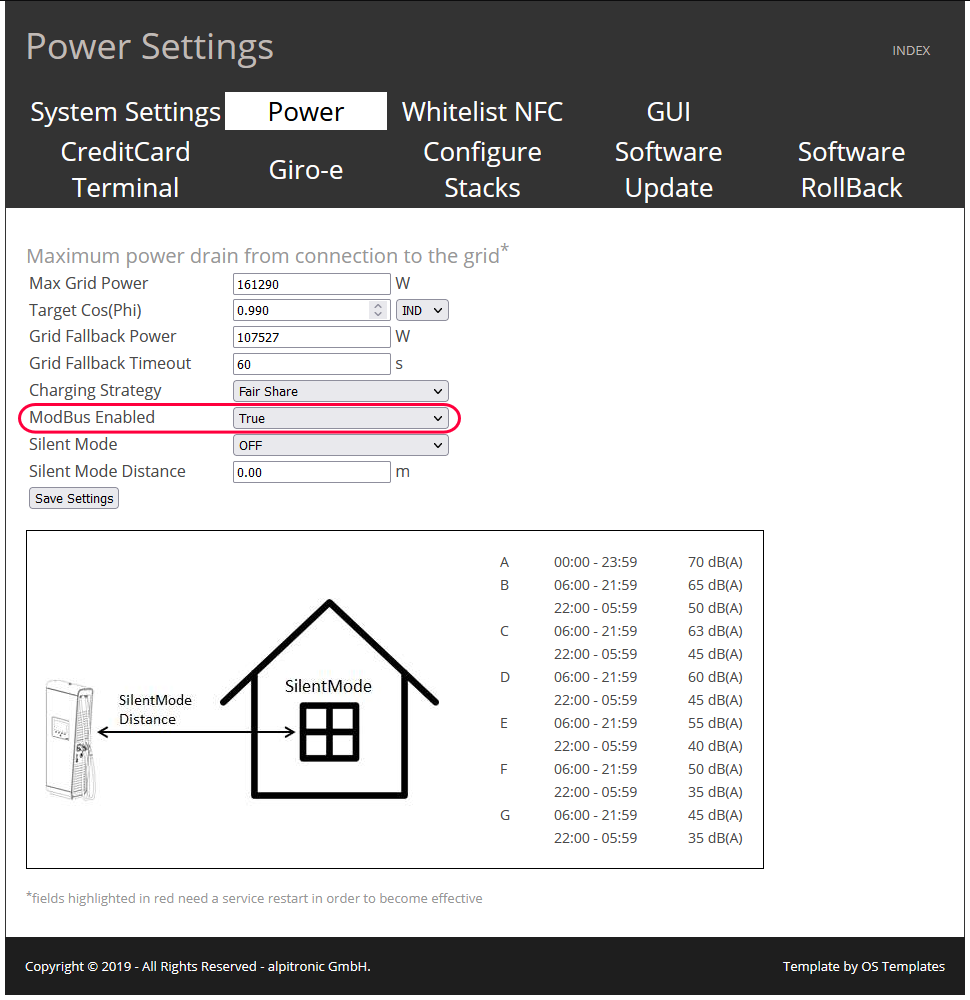
- "Grid Fallback Timeout" is the maximum time allowed between 2 commands from the SmartgridOne Controller. The default is 5 seconds, set this to 60 seconds by default. Afterward, click "Save Settings" again.
- Activate the changes by Resetting the charging station.
- Go to the main page
- Check that no cars are connected to the charging station
- Go to "Reset"
- Click on "Soft Reset HYC"