
Inverter SolarEdge SE2200H - SE6000H
Dispositivi Supportati
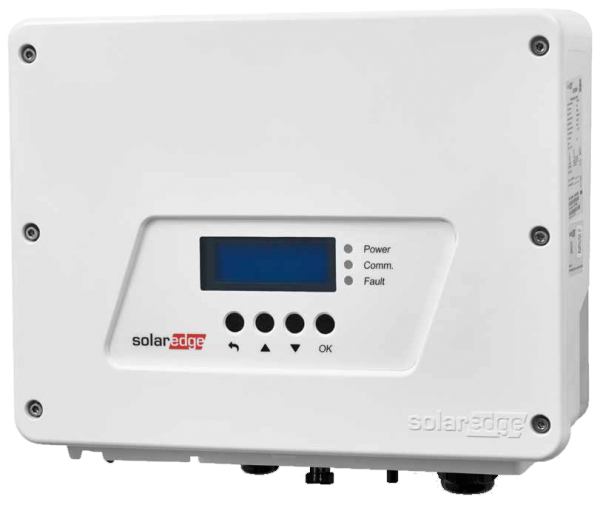
| Device Type | Modbus TCP (Ethernet) | RS485 | Curtailment |
|---|---|---|---|
| SolarEdge SE2200H | ✅ | ✅ | ✅ |
| SolarEdge SE3000H | |||
| SolarEdge SE3500H | |||
| SolarEdge SE3680H | |||
| SolarEdge SE4000H | |||
| SolarEdge SE5000H | |||
| SolarEdge SE6000H |

| Device Type | Modbus TCP (Ethernet) | RS485 | Curtailment |
|---|---|---|---|
| SolarEdge SE2200H | ✅ | ✅ | ✅ |
| SolarEdge SE3000H | |||
| SolarEdge SE3500H | |||
| SolarEdge SE3680H | |||
| SolarEdge SE4000H | |||
| SolarEdge SE5000H | |||
| SolarEdge SE6000H |
Per un cablaggio Ethernet corretto: seguite le linee guida per il cablaggio Ethernet.
Nel menu, andare su "Comunicazione" -> "LAN Conf" -> "Modbus TCP" e attivare Modbus TCP.
Quando Modbus TCP è attivato, verrà mostrata la seguente schermata di stato:
Modbus TCP: <status>
IP:192.168.1.210
Porta:502