

Onduleurs SolarEdge SE2200H - SE6000H
Appareils pris en charge
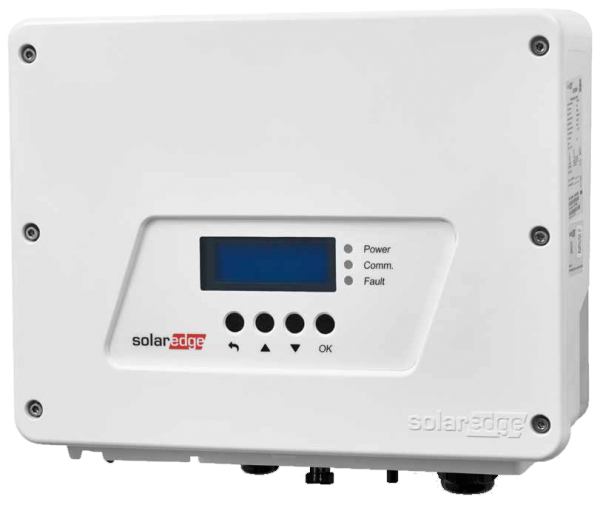
| Device Type | Modbus TCP (Ethernet) | RS485 | Curtailment |
|---|---|---|---|
| SolarEdge SE2200H | ✅ | ✅ | ✅ |
| SolarEdge SE3000H | |||
| SolarEdge SE3500H | |||
| SolarEdge SE3680H | |||
| SolarEdge SE4000H | |||
| SolarEdge SE5000H | |||
| SolarEdge SE6000H |
Câblage
Pour un câblage Ethernet correct : suivez les directives pour le câblage Ethernet.
Configuration
Activation de la communication Modbus TCP
Dans le menu, allez dans "Communication" -> "LAN Conf" -> "Modbus TCP", et activez Modbus TCP.
Lorsque Modbus TCP est activé, l'écran de statut suivant s'affichera :
Modbus TCP : <statut>
IP :192.168.1.210
Port :502