
Battery cost optimization settings
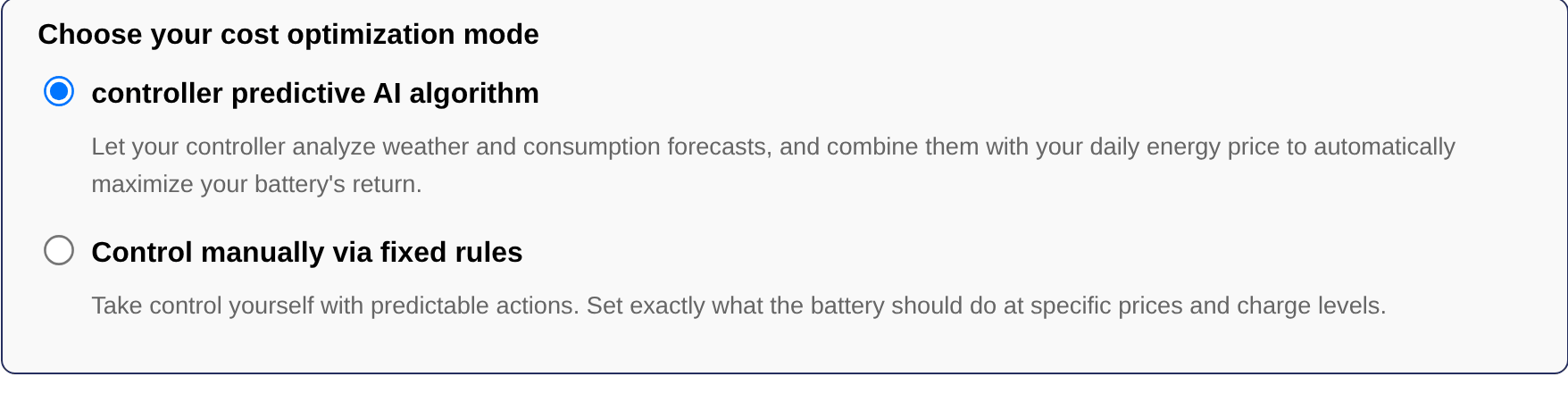
When the default working mode of the storage devices is set to "Cost optimization" on the settings page, a box "Choose your cost optimization mode" appears below the dropdown. It offers two ways of optimizing the battery on the energy prices: the predictive AI algorithm and manual control via fixed rules. A third way, recharging at low cost for peak shaving, is only offered for the cost optimization partition of the peak shaving plus mode.
Tip
The energy prices that the cost optimization works with are configured in the app, see Pricing parameters.
Predictive AI algorithm
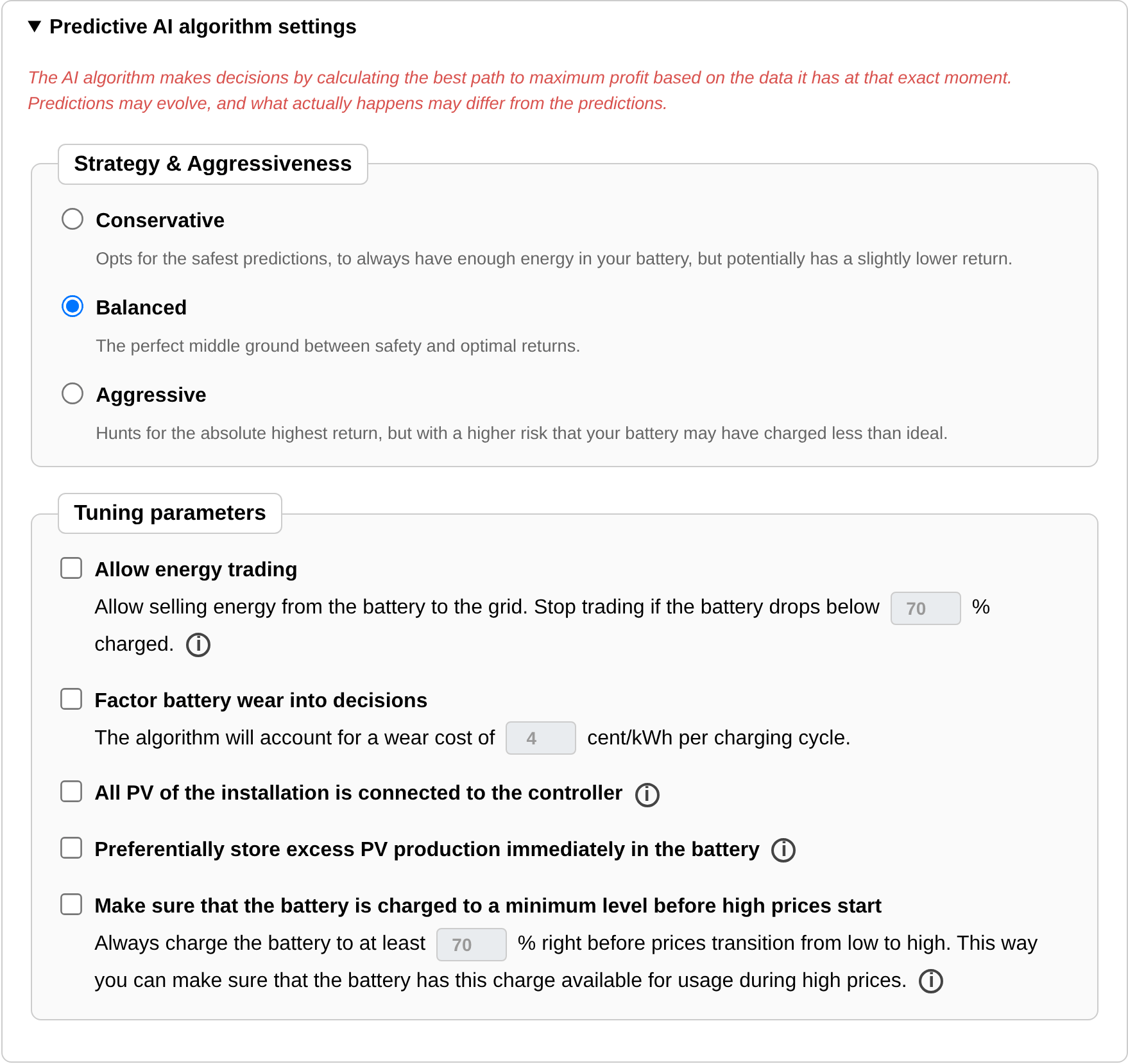
The SmartgridOne Controller predictive AI algorithm analyzes the weather and consumption forecasts and combines them with the daily energy prices to maximize the return of the battery. It calculates the best path to maximum profit based on the data it has at that exact moment. Predictions may evolve, and what actually happens may differ from the predictions, see Predictions versus ex-post analyses.
Strategy and aggressiveness
| Strategy | Behaviour |
|---|---|
| Conservative | Opts for the safest predictions, to always have enough energy in the battery, but potentially with a slightly lower return. |
| Balanced (default) | The middle ground between safety and optimal returns. |
| Aggressive | Hunts for the absolute highest return, with a higher risk that the battery has charged less than ideal. |
Tuning parameters
| Parameter | Explanation |
|---|---|
| Allow energy trading (stop trading below X% charged) | Allows selling energy from the battery to the grid to maximize profit. The minimum state of charge does not apply in two cases: when negative purchase prices are expected in the next 12 hours, or when the current selling price is higher than the highest purchase price expected in the next 12 hours. |
| Factor battery wear into decisions (X cent/kWh per charging cycle) | The algorithm accounts for a wear cost per charged kWh. During days with relatively flat prices, the battery may then not be very active, because the price differences do not outweigh the wear cost and the efficiency losses. See Accounting for the battery wear and efficiency. |
| All PV of the installation is connected to the SmartgridOne Controller | Tick this if all the PV of the electrical installation is connected to the SmartgridOne Controller. If not ticked, the SmartgridOne Controller assumes that there is PV it does not know of, which changes how it interprets the grid power. This helps the algorithm; leave it unticked if there is potentially unknown PV in the installation. |
| Preferentially store excess PV production immediately in the battery | Charges excess PV immediately into the battery, regardless of whether the algorithm deems this the best action. This setting is ignored in two cases: when trading is enabled and the energy prices are high (otherwise trading would not always be possible), and when there are negative purchase prices in the next 12 hours (charging then is always better). |
| Make sure that the battery is charged to a minimum level before high prices start (X%) | Charges the battery to at least this level right before the prices transition from low to high, so that the charge is available during the high prices. A transition only counts when there is a noticeable difference between the night and morning prices or between the afternoon and evening prices. No energy is sold to the grid below the chosen state of charge; the buffer is purely for self-consumption. |
Note
The state of charge of "Allow energy trading" may not be below the one of "Make sure that the battery is charged to a minimum level before high prices start". The page adjusts the values automatically if you enter them the other way around.
Control manually via fixed rules
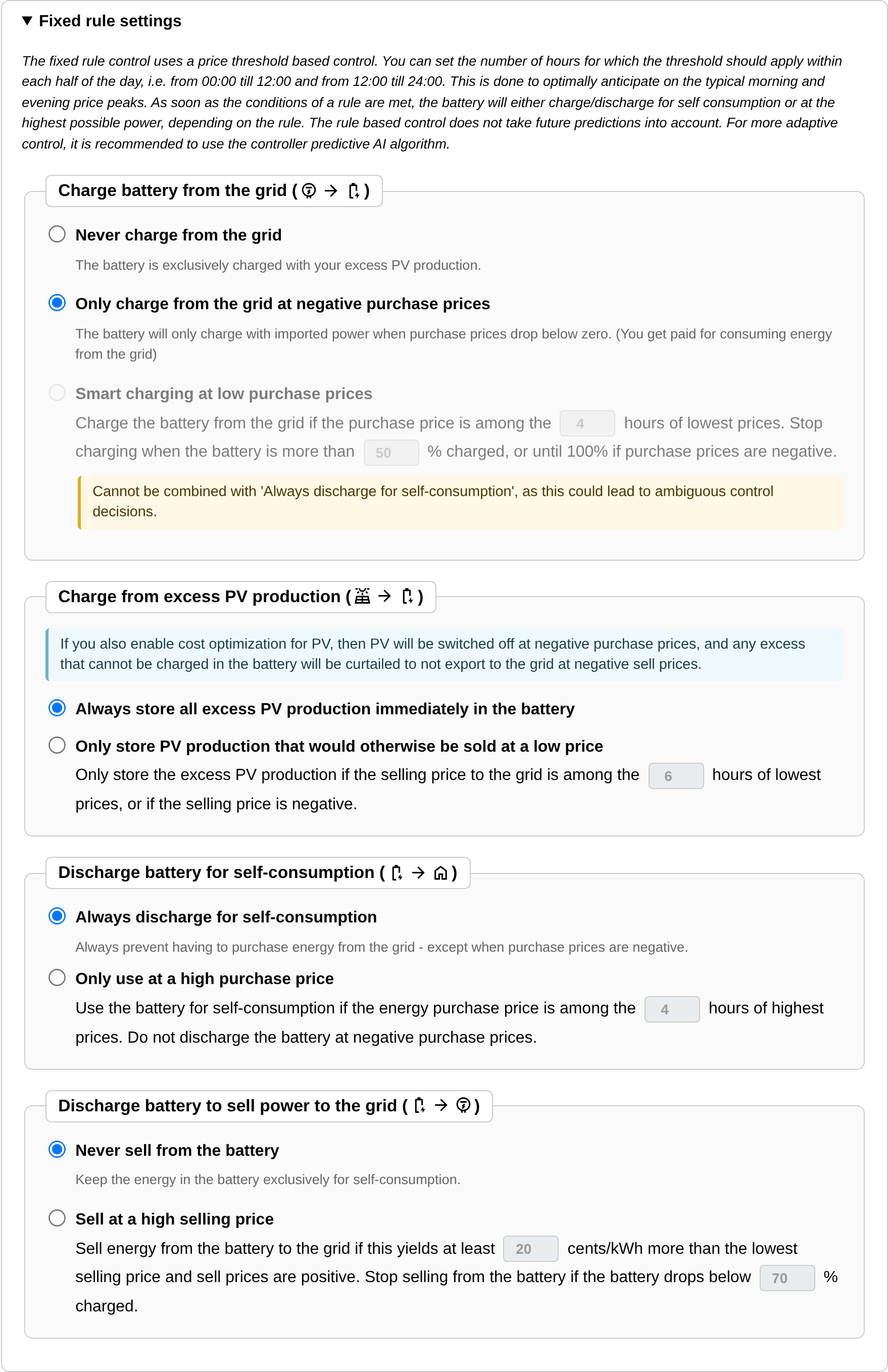
The fixed rule control takes predictable actions: you set exactly what the battery does at specific prices and charge levels. It uses a price threshold based control. Because the typical day has a morning and an evening price peak, you set the number of hours for which a threshold applies within each half of the day (from 00:00 till 12:00 and from 12:00 till 24:00). As soon as the conditions of a rule are met, the battery charges or discharges for self-consumption or at the highest possible power, depending on the rule. The rule based control does not take predictions into account; for more adaptive control, use the predictive AI algorithm.
| Rule | Options |
|---|---|
| Charge battery from the grid | Never charge from the grid: the battery is exclusively charged with excess PV production. Only charge from the grid at negative purchase prices: the battery charges with imported power only when you get paid for consuming. Smart charging at low purchase prices: charge from the grid if the purchase price is among the X hours of lowest prices, and stop when the battery is more than Y% charged (or 100% at negative prices). |
| Charge from excess PV production | Always store all excess PV production immediately in the battery, or Only store PV production that would otherwise be sold at a low price: only store the excess if the selling price is among the X hours of lowest prices, or negative. |
| Discharge battery for self-consumption | Always discharge for self-consumption (except at negative purchase prices), or Only use at a high purchase price: discharge for self-consumption if the purchase price is among the X hours of highest prices. |
| Discharge battery to sell power to the grid | Never sell from the battery, or Sell at a high selling price: sell if that yields at least X cents/kWh more than the lowest selling price and the selling price is positive, and stop selling below Y% charged. |
Note
- "Smart charging at low purchase prices" cannot be combined with "Always discharge for self-consumption", as this could lead to ambiguous decisions.
- The combined hours of "Smart charging at low purchase prices" and "Only use at a high purchase price" may not exceed 12 hours; the page adjusts the values automatically.
- If cost optimization is also enabled for PV, the PV is switched off at negative purchase prices, and any excess that cannot be charged in the battery is curtailed so as not to export at negative selling prices.
Recharge at low cost and discharge only at the peak shaving discharge thresholds
This mode is meant for the cost optimization partition of the peak shaving plus mode: the partition is used for peak shaving, but it is only recharged when the prices are low.
Related advanced settings
Two advanced settings influence the cost optimization of storage, see Advanced settings: the size of the self-consumption variability buffer, and whether batteries may be put in standby at low power setpoints.