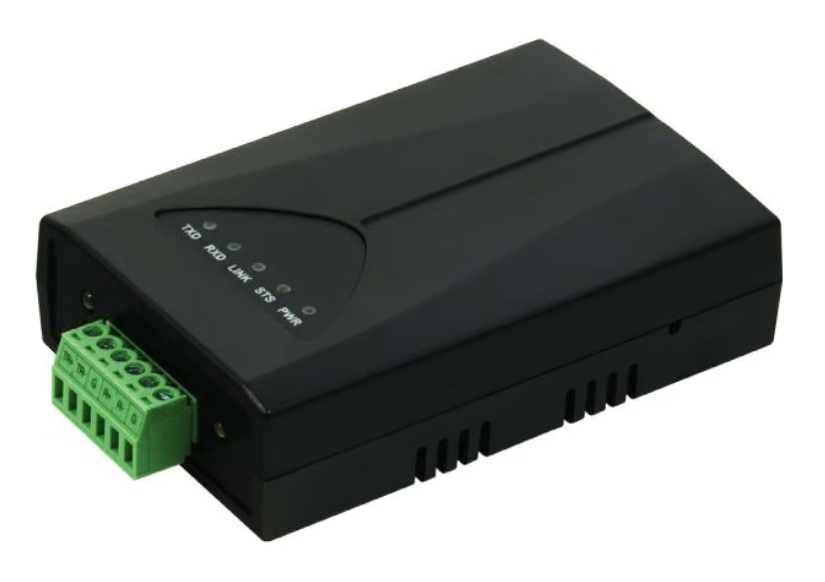
Connecting to the RS485 Converter
-
Connect the converter to a LAN network and plug in the adapter.
-
Download and install EZ Manager .
-
Connect your computer to the same LAN network as the converter.
-
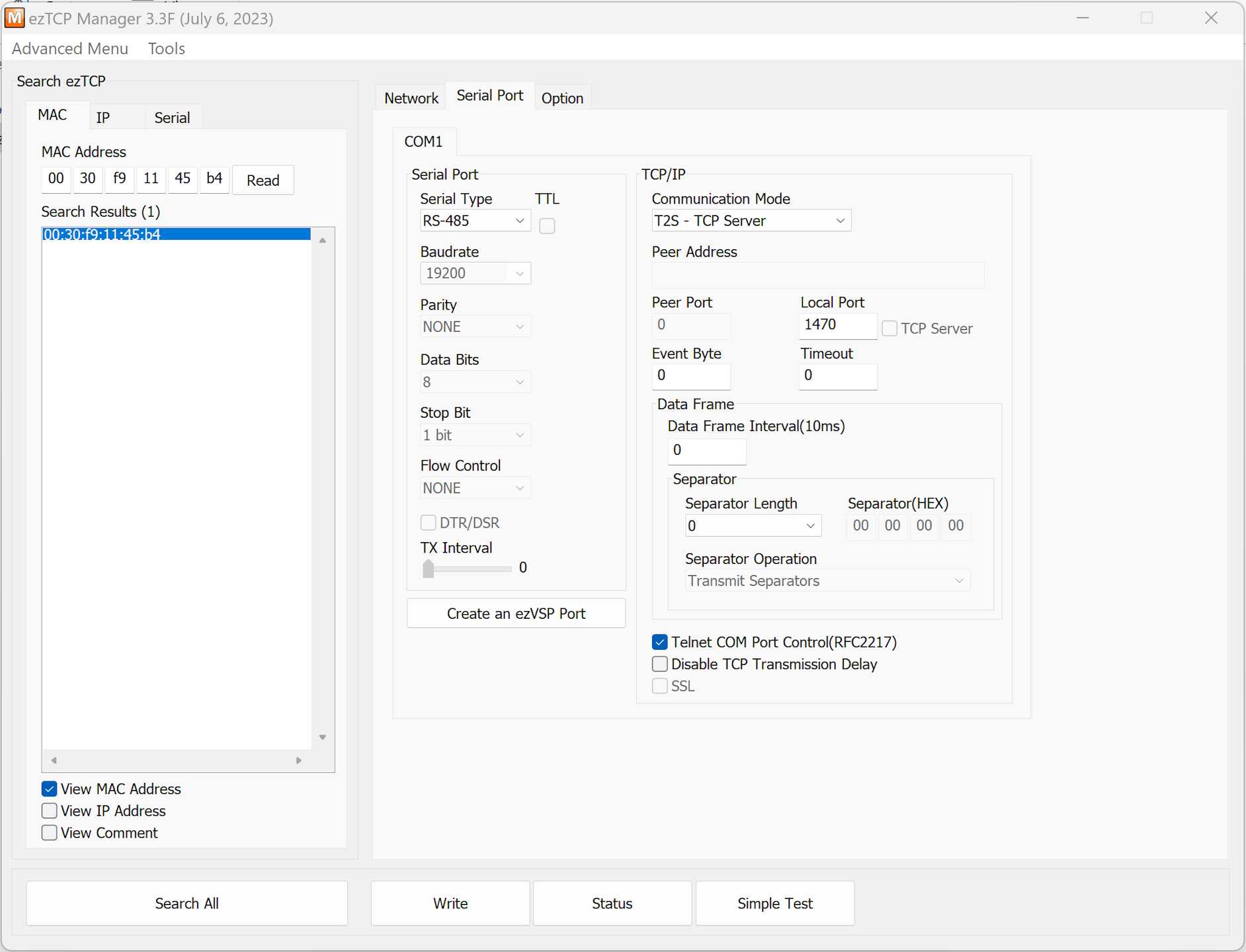
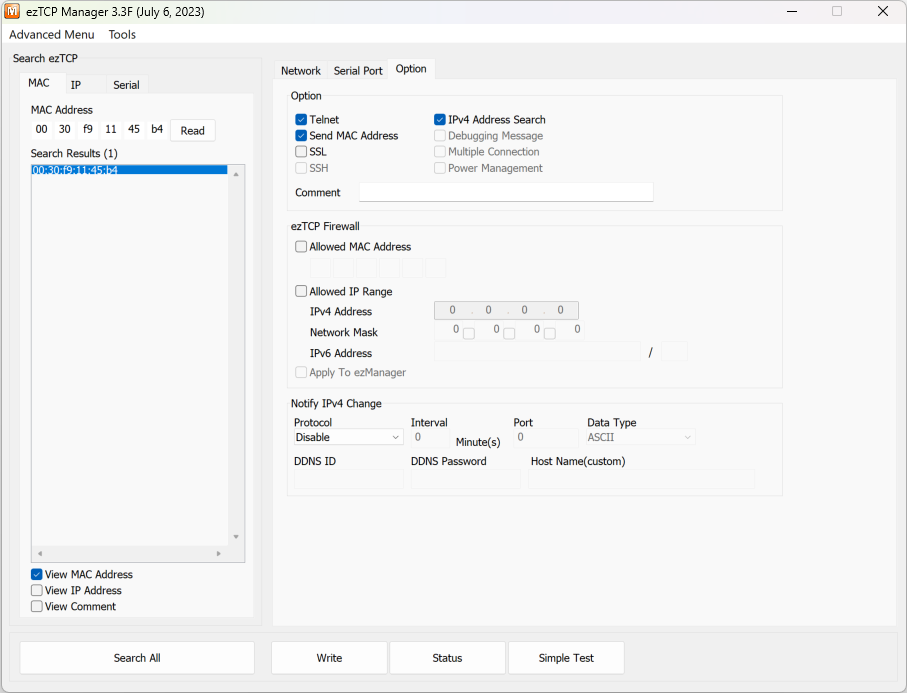
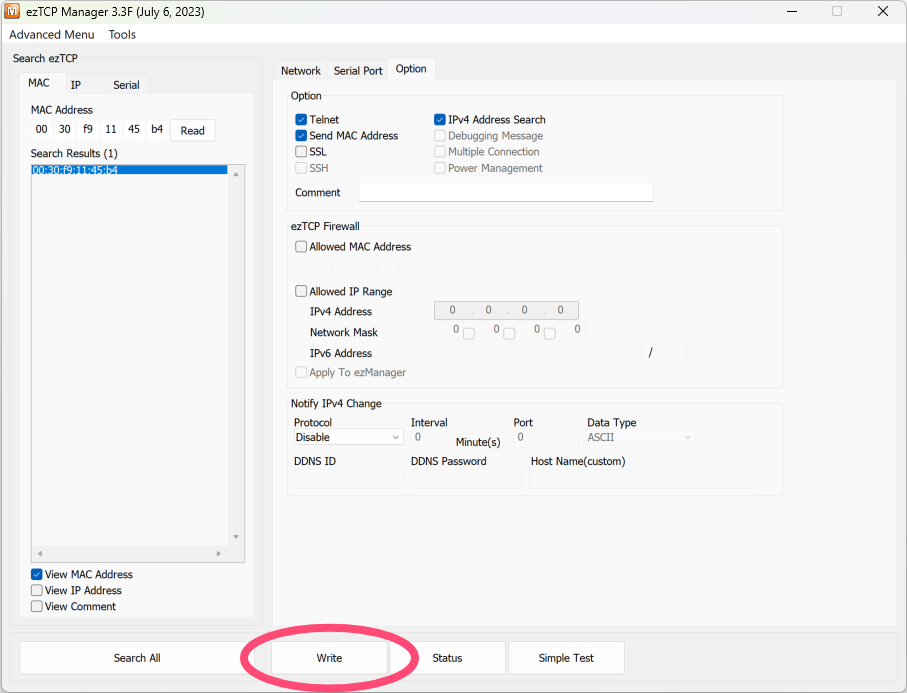
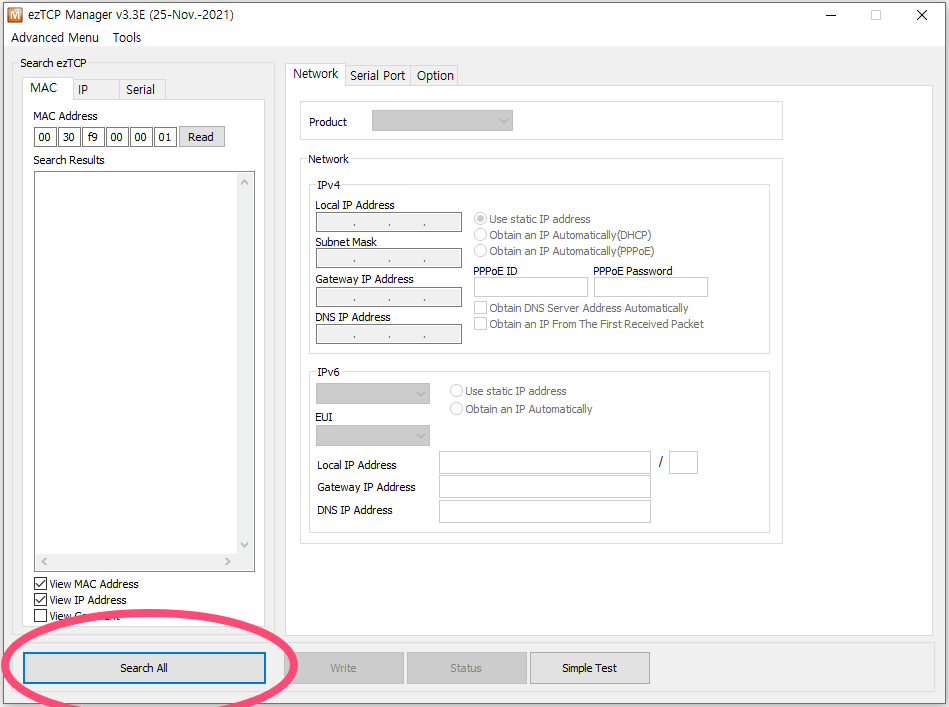
Open EZ Manager and select "Search All".
-
You can identify your converter in the column "Search Results" by its MAC address.
Network settings
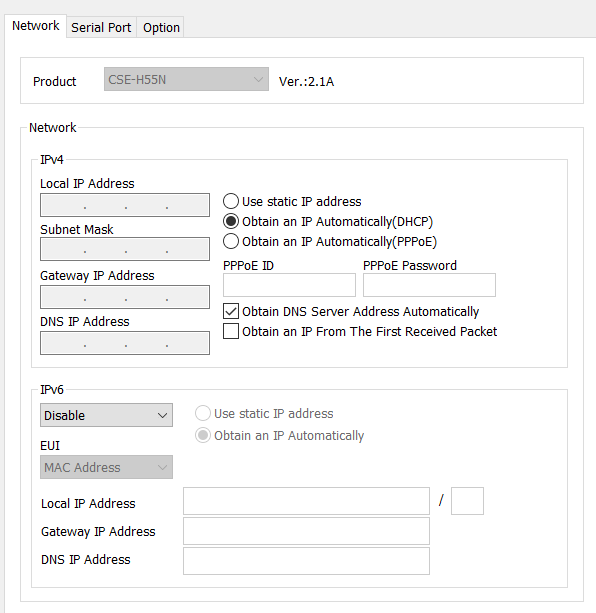
In the network tab, you can specify the network settings for the RS485 converter.
On the left, you can find the settings for obtaining an automatic IP address (recommended in most cases).