Distributor & DHCP network
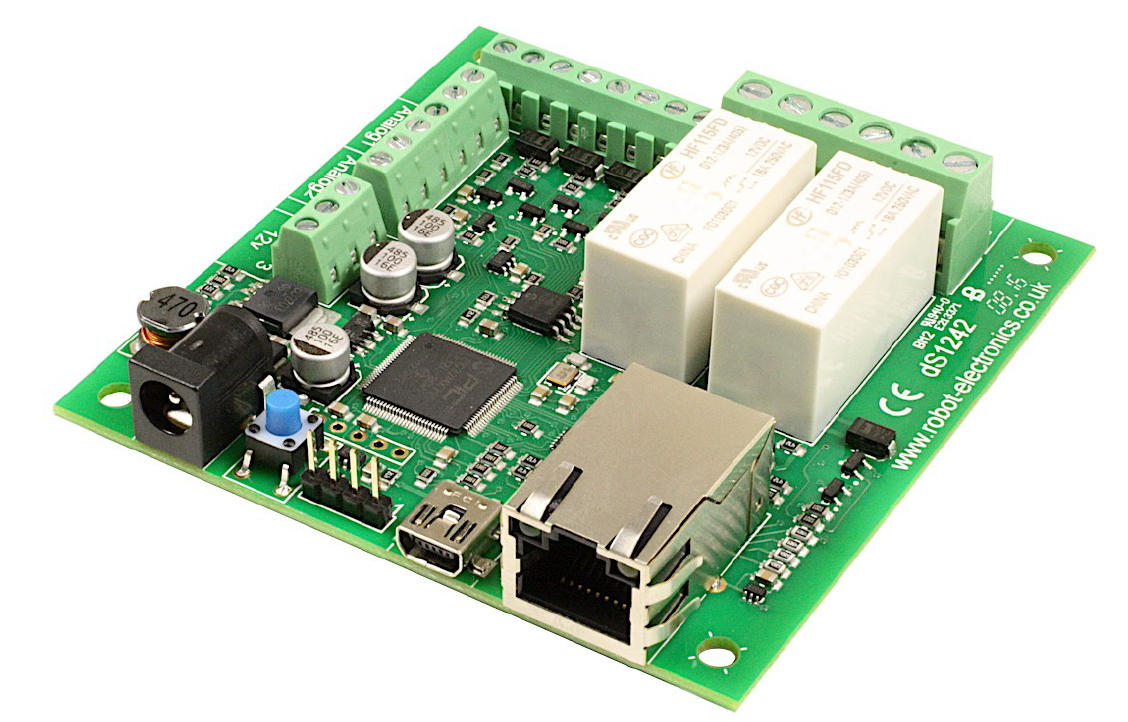
If you purchased the dS1242 Ethernet relay module through your distributor, it will be preconfigured.
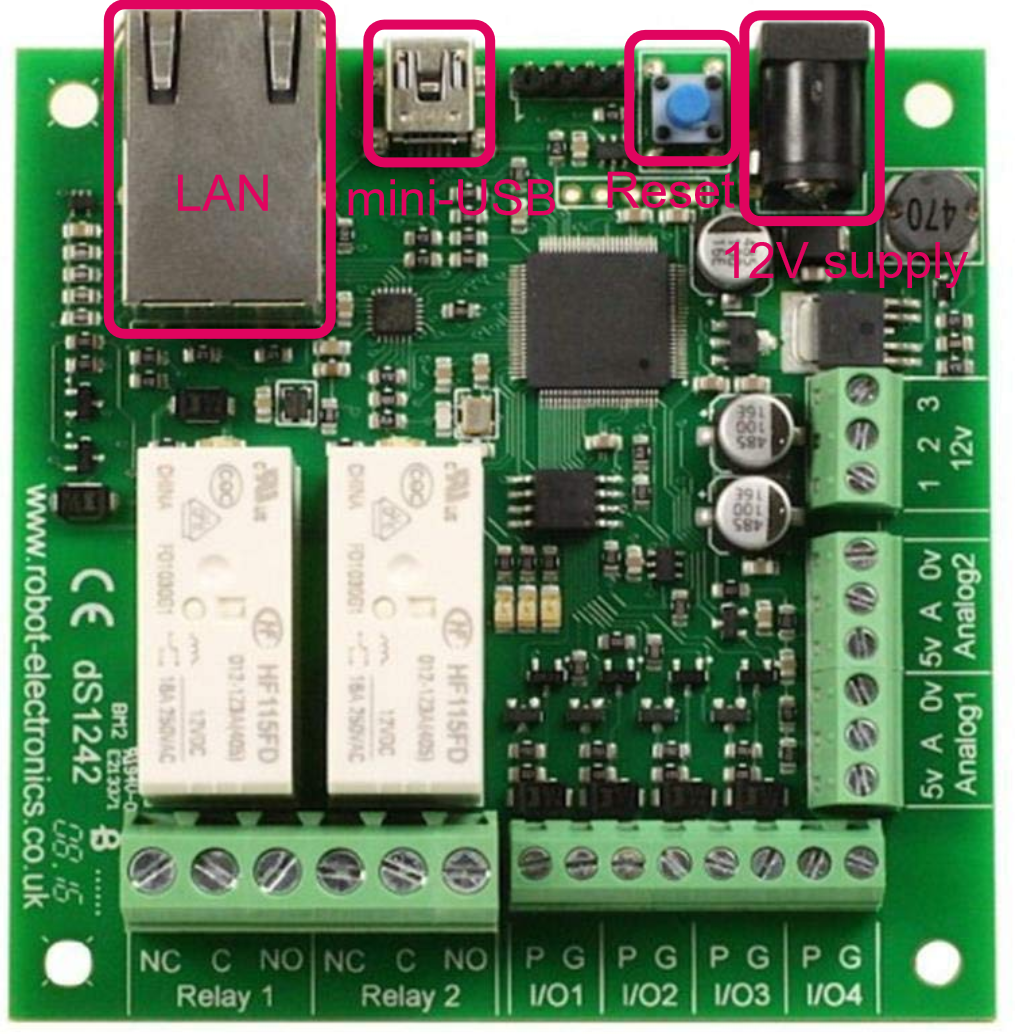
In networks where DHCP is used, you do not need to do anything. Just connect the module to Ethernet and connect the power adaptor.
Connect the relays as needed for the device you will use them to control.
purchased the module elsewhere or you are using it on a network with fixed IP addresses
Connecting the dS1242 Ethernet Ethernet-Relay module
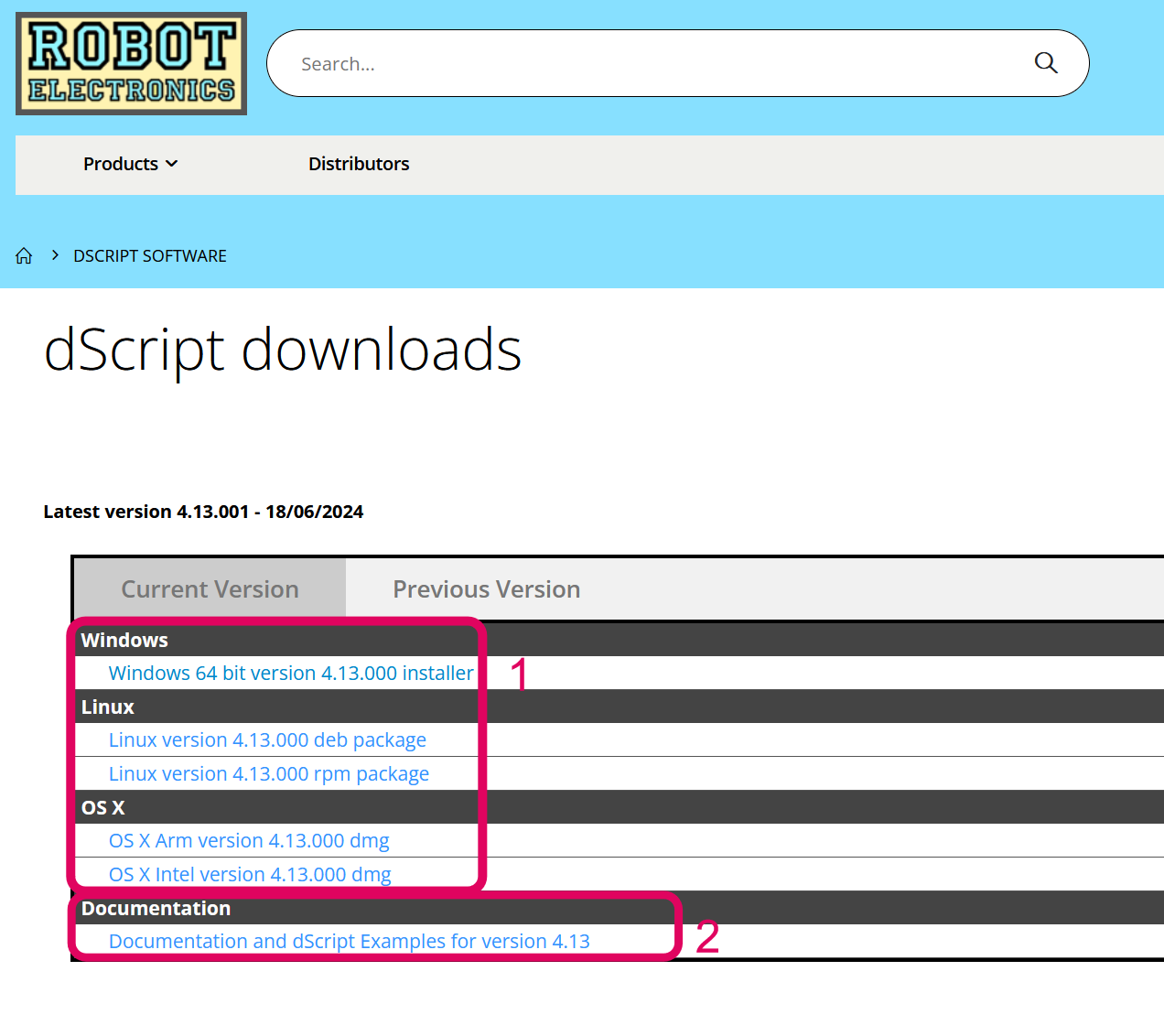
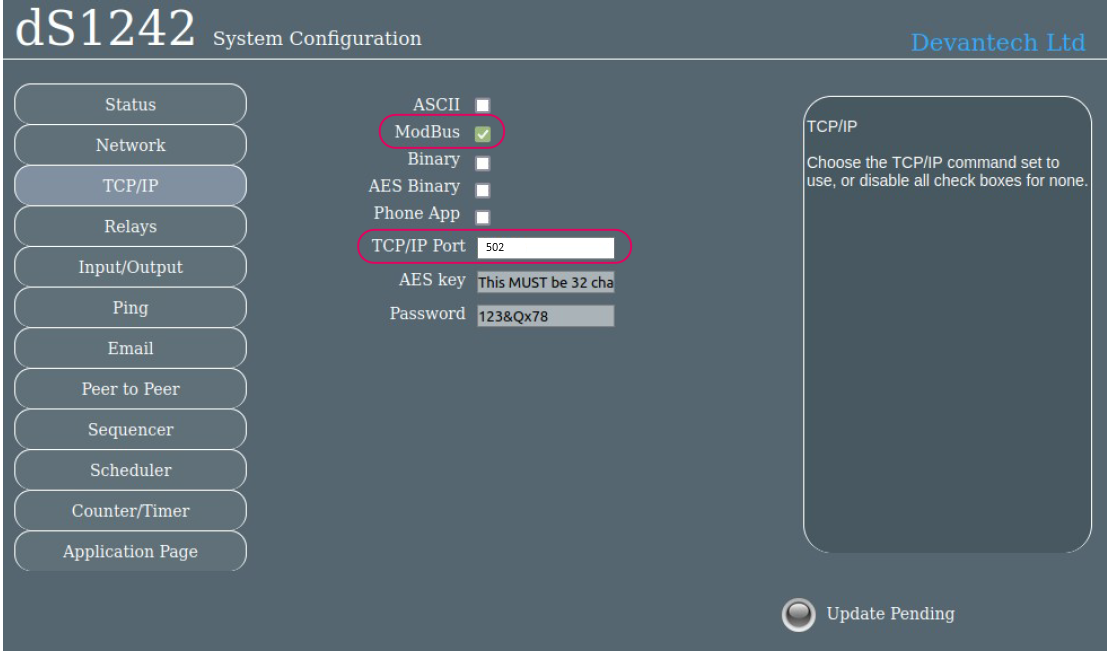
To connect a dS1242 you'll need to first check if there is a firmware version running on it. Connect an ethernet cable connected to your network and the 12V power supply to the module. Check if the blue LED flashes 3 times. If it does not, you should install firmware on the module first. Therefore continue to the firmware update. If it does flash 3 times, you need to check if the communication is set correctly. Go to set the control to modbus