PV panel configuration
Note
The PV panel configuration is requested during the initial setup. You can change it later under the "Settings" menu in the commissioning interface, in the "PV installation details" submenu.
Note
The panel configuration is used to improve the accuracy of predicted PV production.
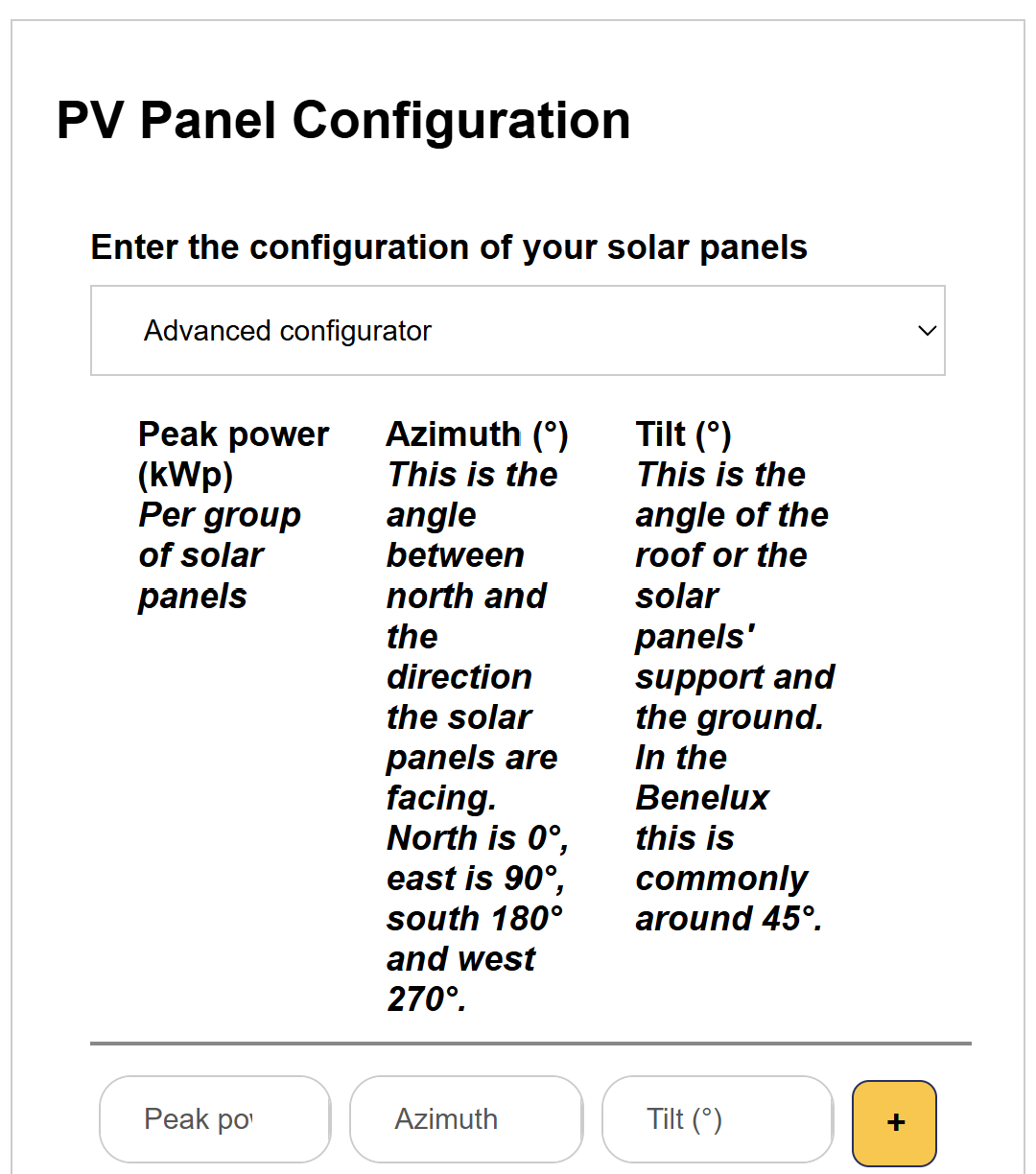
You have a choice between the simple and advanced configurator.
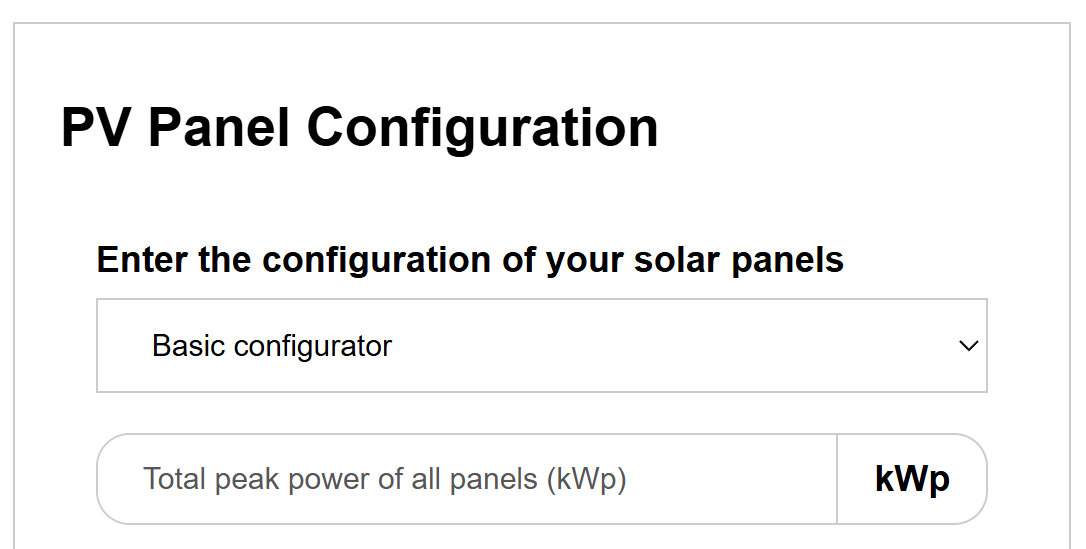
In the basic configurator, you only enter the total peak power of all panels (kWp).
In the advanced configurator, you enter per group of solar panels the peak power (kWp), the tilt (the angle between the roof or the support of the panels and the ground, commonly around 45° in Europe) and the azimuth (the angle between north and the direction the panels are facing: north is 0°, east is 90°, south 180° and west 270°). Use the plus button to add a group of panels, for example for an east-west roof.